Splash Page
Lead bigOpen a chapter with one oversized image, then land the reaction beats below it.
Cookie choices
Necessary cookies support login, payments, and security.
Optional analytics help us improve Comicory.
Current analytics: not set · Cookie Policy
Comicory
Comicory is an AI comic generator for comic strips, manga, and comic books. Write a story, choose a style, and keep character art consistent across panels — free to try with 10 starter credits.
10 starter credits: draft your script and render a complete 4-panel comic · no card required
 1
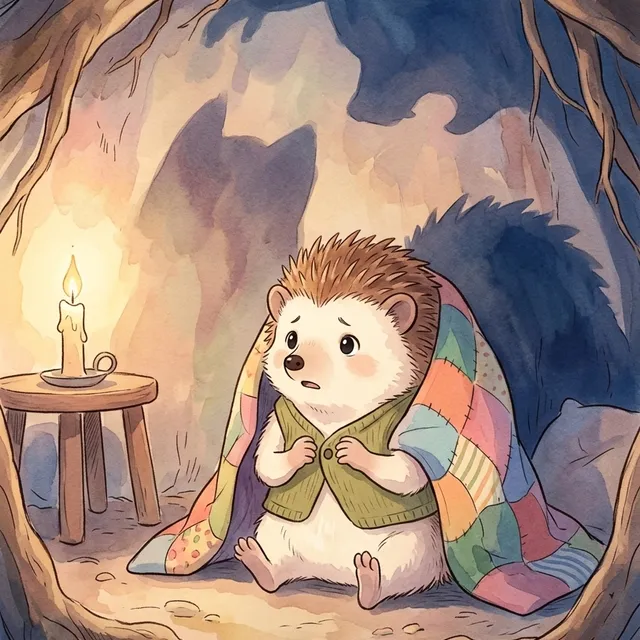
1Deep inside his cozy underground burrow, Pip the little hedgehog shivered.
Issue #001
Turn a prompt into a panel script, character references, dialogue, and page layouts before rendering.
Made by the community
A hand-picked mix of public stories made in Comicory—from cinematic mysteries to comic books, cyberpunk adventures, and illustrated stories.
 By Shadowline StoriesBy Mark AlcantaraBy landric betheaBy Zachary WinderlBy Marie OlsenBy qcrao
Every work shown here was made public by its creator and passed Comicory's gallery review.
Consistency
Most AI image tools reinvent your hero — and the room they're standing in — every time they draw. Comicory locks each character to a reference and anchors every panel to it, so the same person walks through the same world from panel 1 to panel 18.
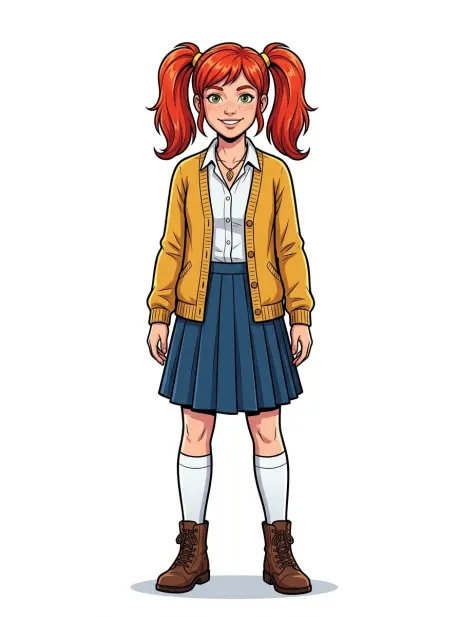
Mira
Reference locked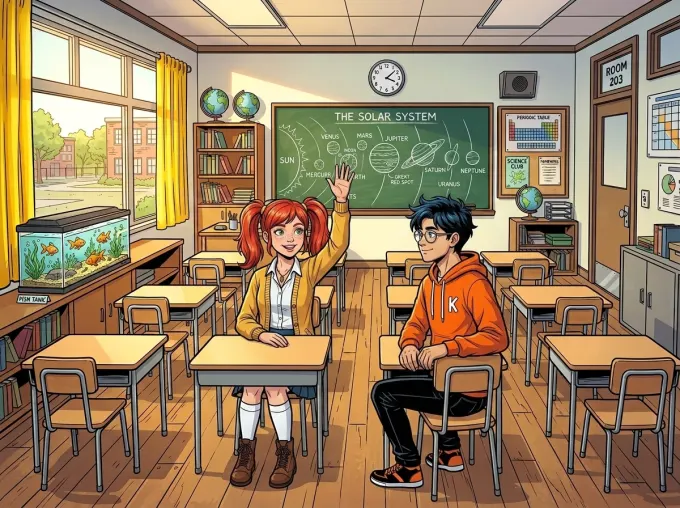
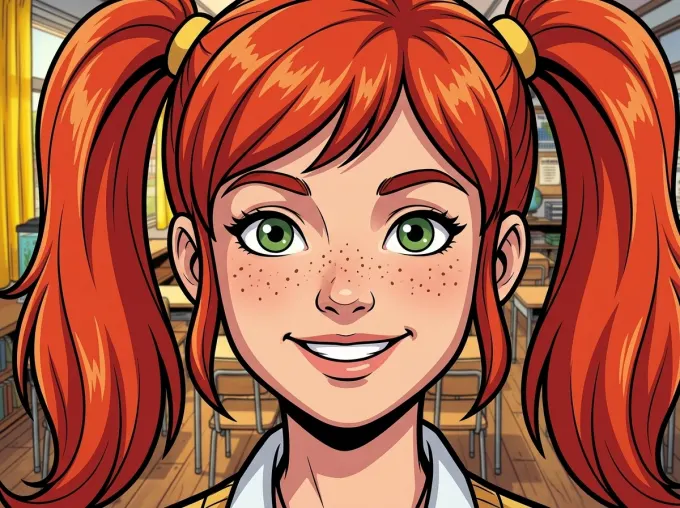
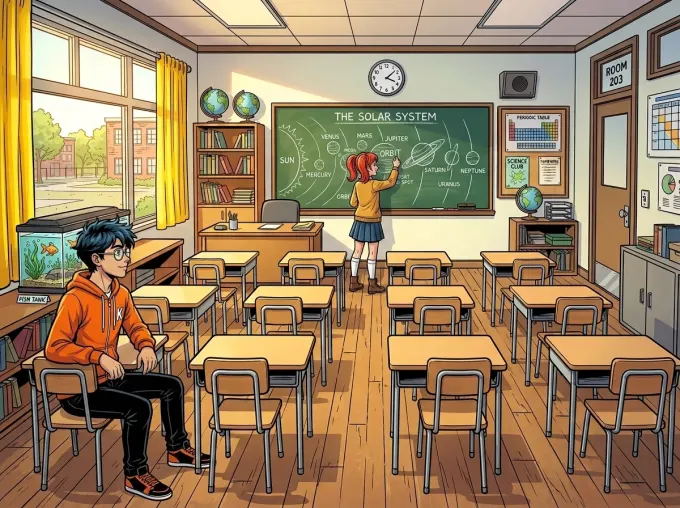
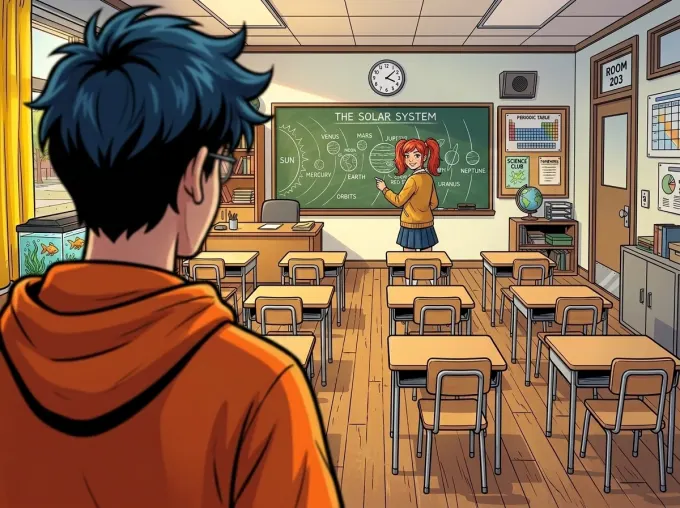
Real, unretouched output from a single Comicory render — one reference, one classroom, four camera angles.
Every character gets a locked reference portrait before a single panel renders. Panels are conditioned on that image itself — not on a text description the model can drift from.
In multi-character scenes, each character is bound to their own reference, so the model never blends, swaps, or averages faces between two people in the same frame.
Watch the classroom behind Mira: the chalkboard, fish tank, and yellow curtains stay put across every shot. Scenes stay recognizable instead of reshuffling from panel to panel.
Continue Story carries the exact same references into every new chapter. And with a paid plan you can upload real photos to pin a face precisely.
Features
Script panels, lock character references, choose layouts, redraw frames, and export finished comic pages.
Cinematic scripting
Characters, camera angles, tight dialogue. You read and approve before a single pixel renders.
Speech bubbles
Drag, restyle, and rewrite every bubble — themed bubbles and lettering fonts, edited separately from the art.
Your characters
Drop in photos of an OC or a real person — Comicory pins that exact look across every panel and chapter.
Page layouts
Manga splash, 4-panel strip, webtoon column, six-up grid. Switch per page, not per comic.
16 styles
Pick the mood, keep the story. One click to switch.
Fix or redraw
Brush over the broken spot and describe the fix: only the painted area changes. Or regenerate the whole panel — the rest of your comic never moves.
Cloud rendering
Generation runs in the background. Your comic waits for you.
High-res export
Download a multi-page PDF, high-res PNG pages, one long scrolling image, or a ZIP of every page and panel.
Page Layouts
Choose page count, panel count, and a layout mood before rendering. Use a splash for the big reveal, a grid for pace, a strip for short beats, or webtoon flow for scrolling stories.
Open a chapter with one oversized image, then land the reaction beats below it.
Balanced comic-book pacing for action, dialogue, and clean page turns.
A compact setup, turn, punchline, and finish for quick scenes.
Stack moments into a scrolling column with room for pauses and reveals.
Get started
Write it, approve the script, watch it render — then keep the story going chapter after chapter.
A paragraph works. Characters, conflict, a moment. Or pick a starter.
AI returns a panel breakdown with dialogue. Edit any line before art renders.
Watch panels render. Tweak what you want. Export PDF, PNG, a long image, or ZIP.
Hit Continue Story to add a chapter. Same cast, same style — AI drafts what happens next.
Continue Story
Finish a comic. Then keep going. Add a chapter — AI drafts what happens next, reusing the same cast, the same art style, the same world. Build an ongoing series one chapter at a time.
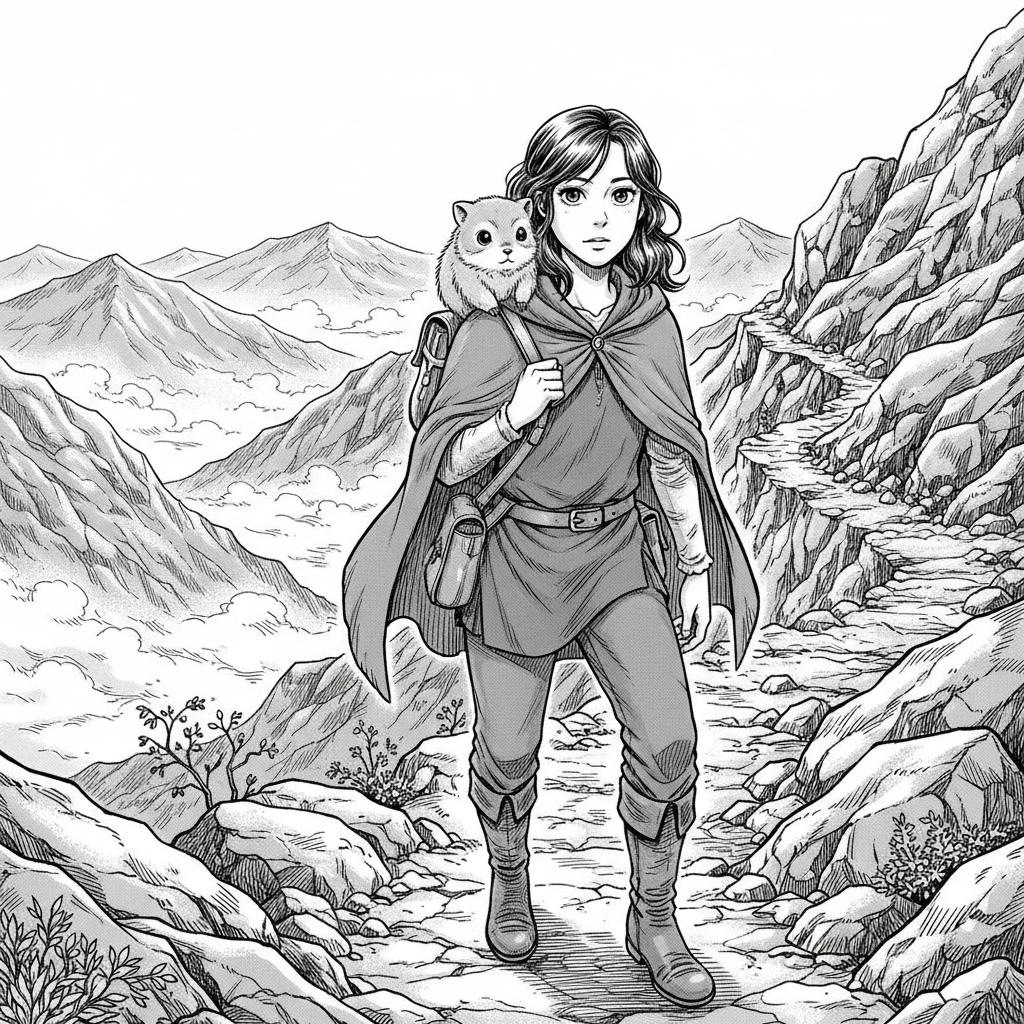
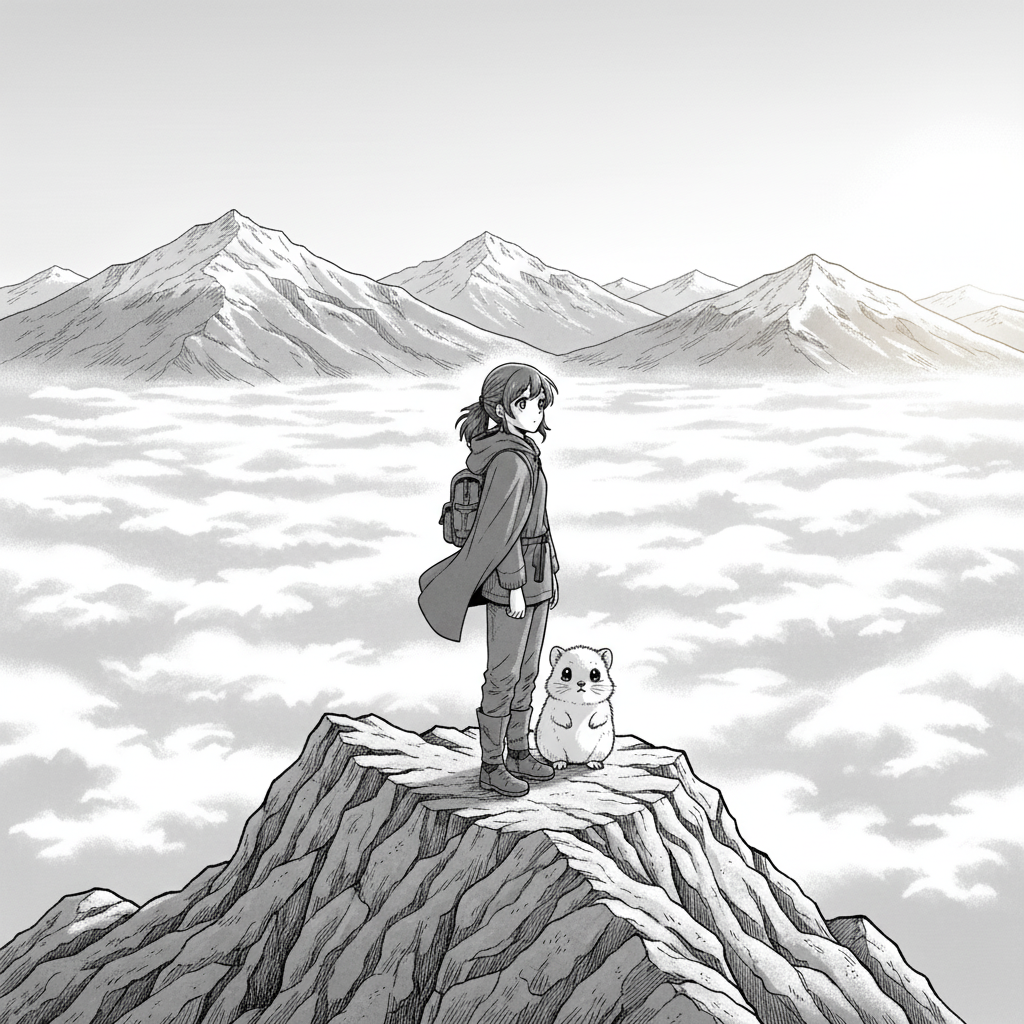
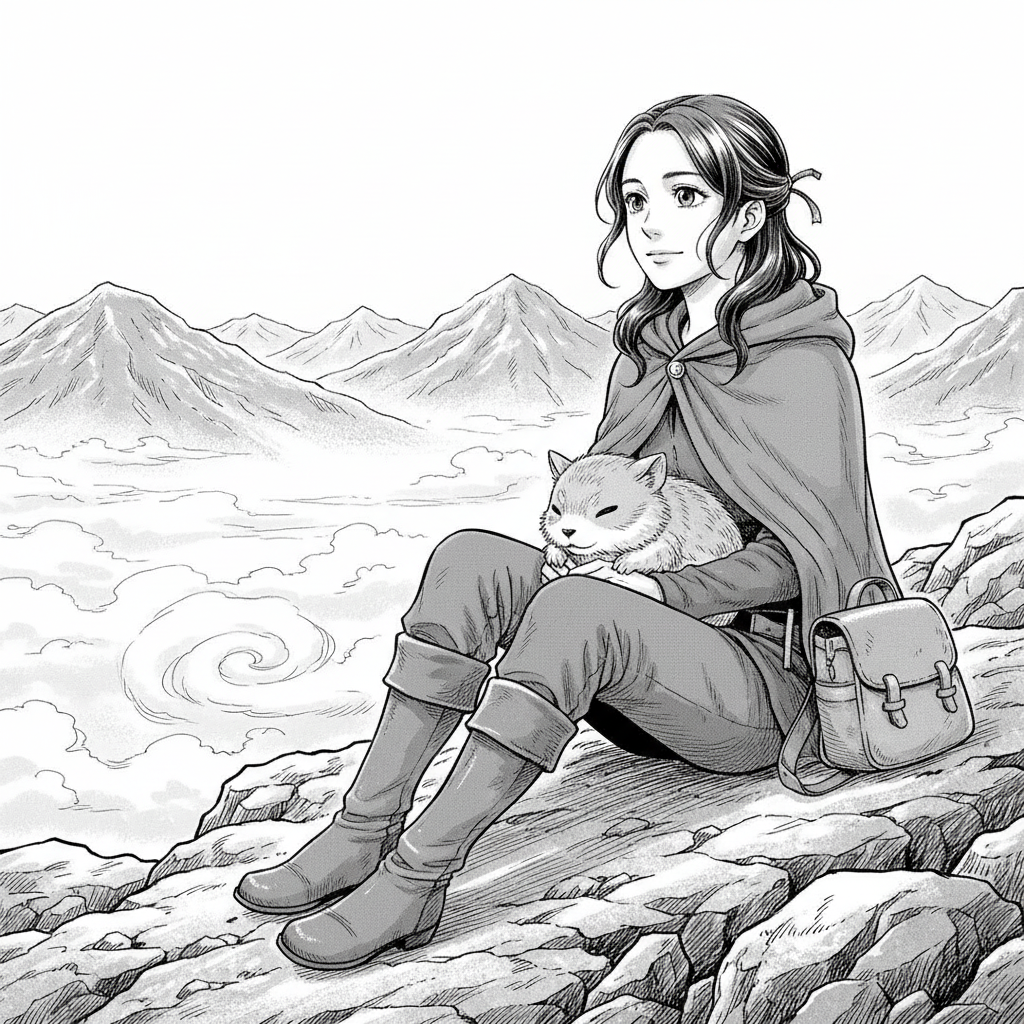
The silent ridge
A lone traveler climbs into the fog. The ridge is silent.
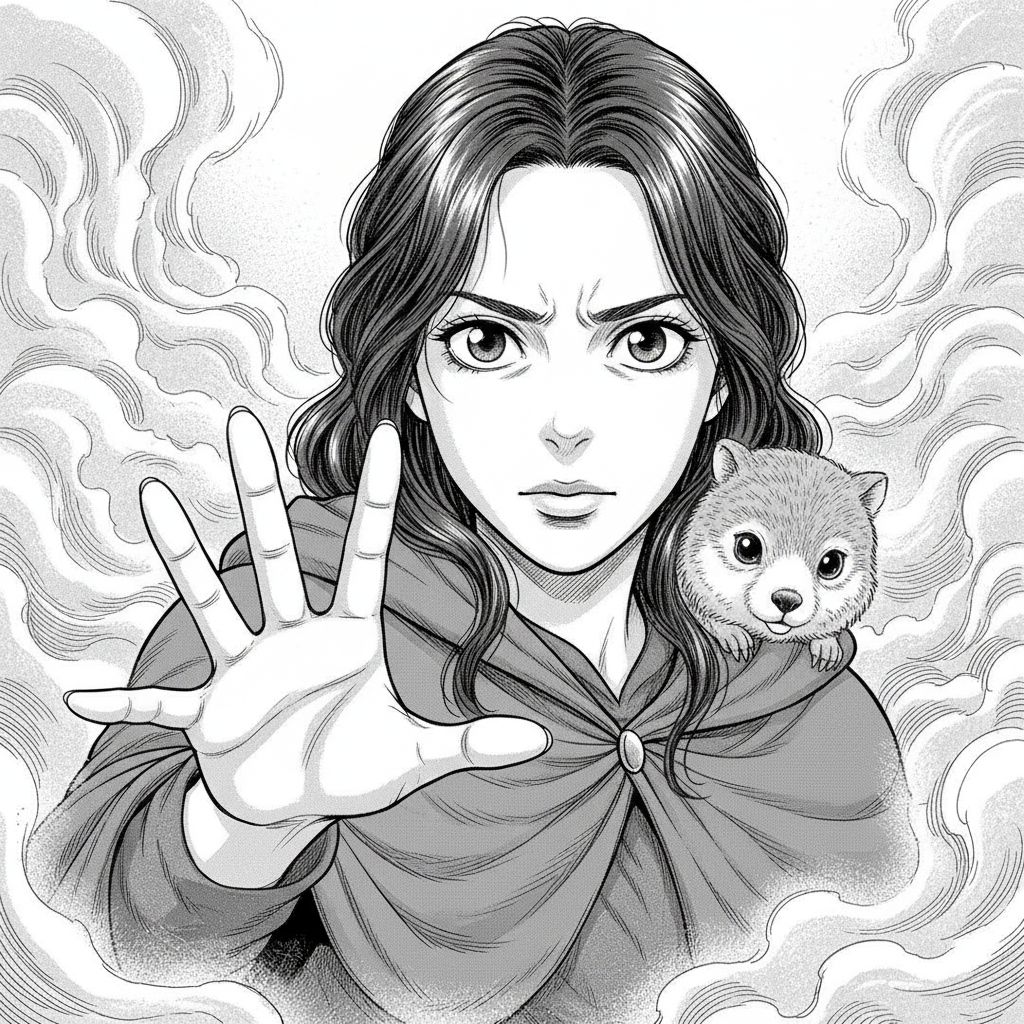
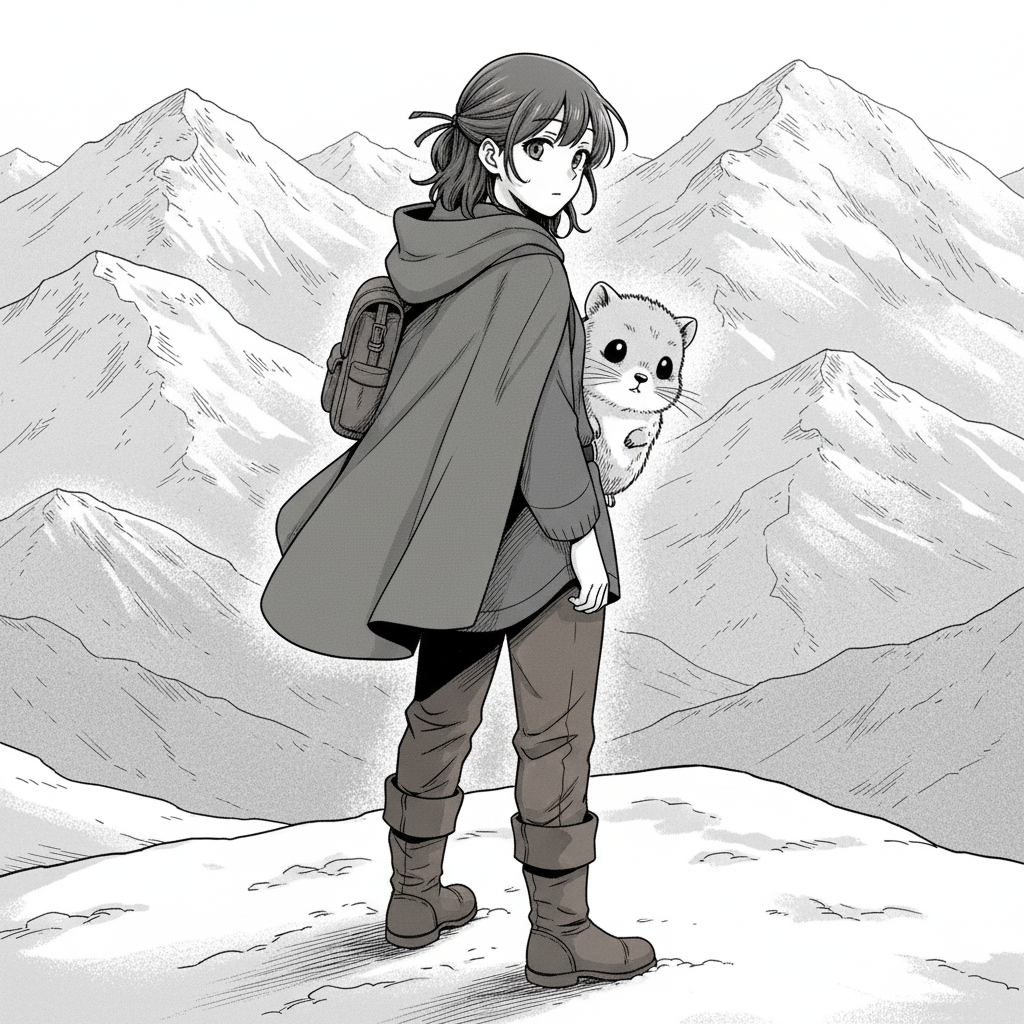
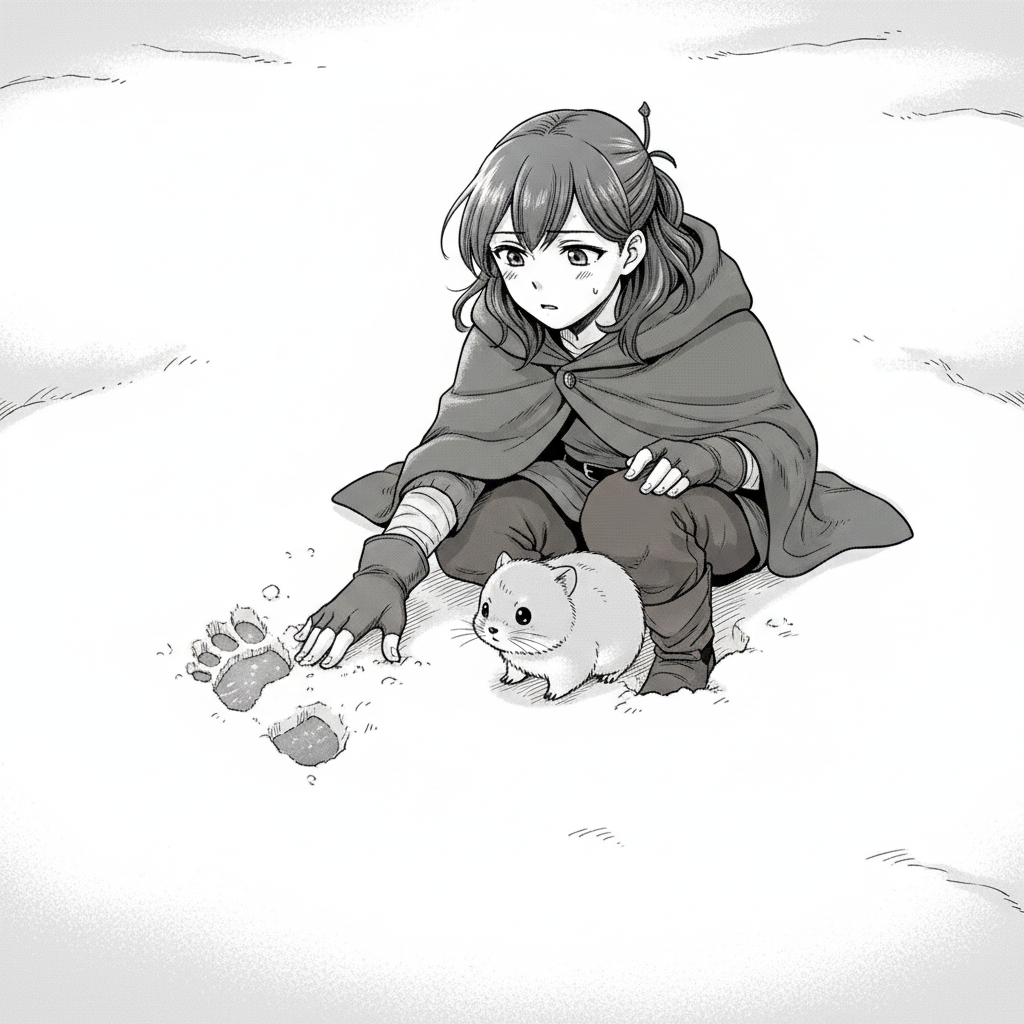
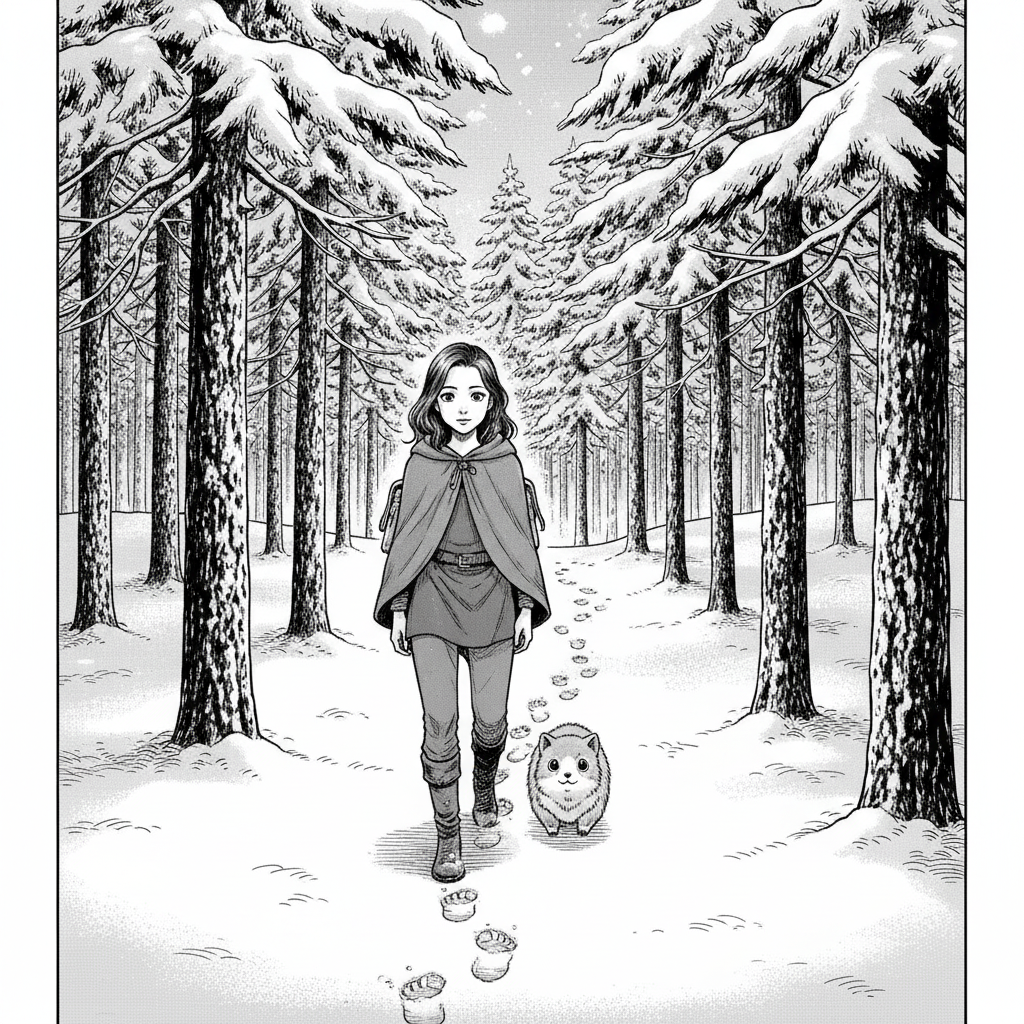
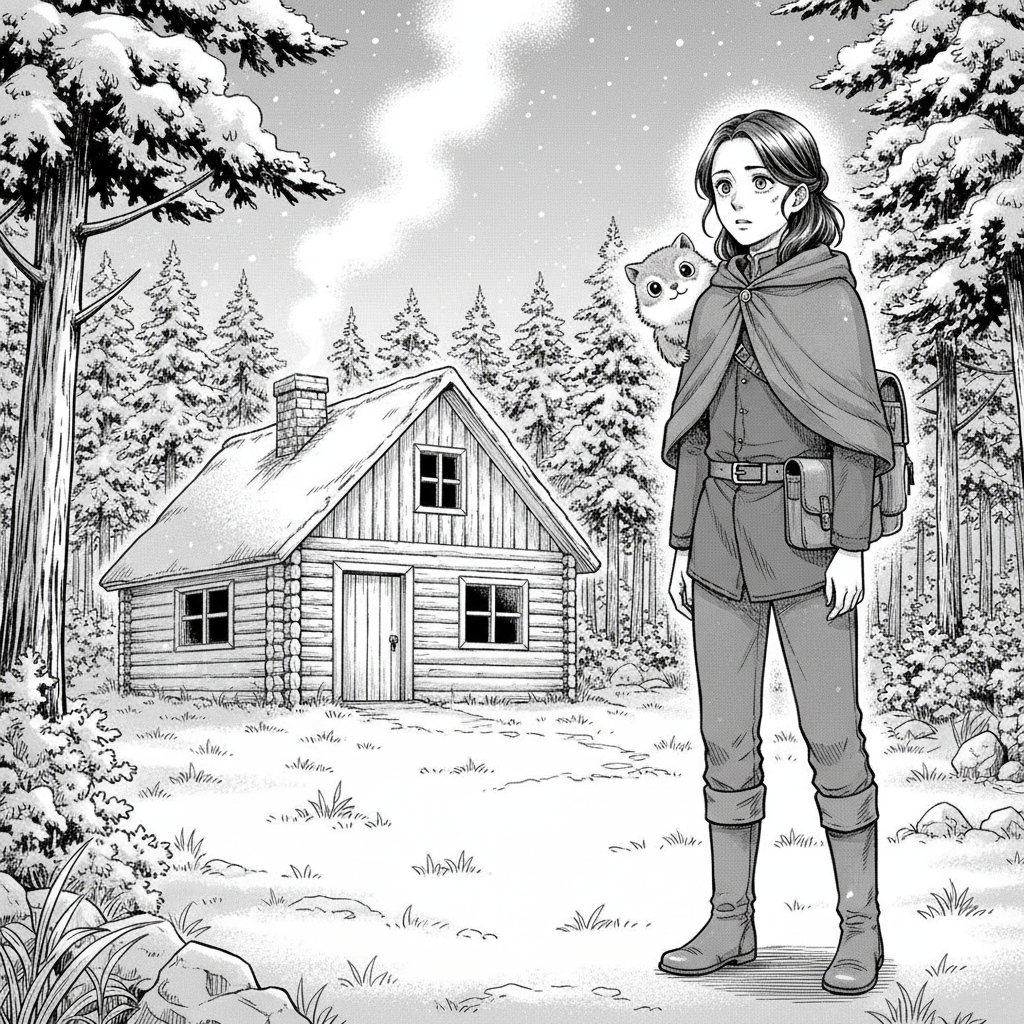
A trail in the snow
She finds footprints in the snow leading back to a cabin she doesn't remember.
Explore
Full-pipeline generator — script, characters and panels.
Chapters with the same cast. Continue any comic into a series.
Make AI comics online with 16 art styles.
3 & 4-panel strips for social and daily publishing.
Multi-page books with on-model characters.
10 free credits, no card. Render a whole 4-panel comic.
Pin a face — yours, your OC's — across every panel and chapter.
Turn selfies into a paneled comic. Same face every panel.
Bring your OC's reference sheet. AI keeps them on-model.
Splash, strip, grid, vertical column. Pick a layout per page.
Inked line art, cel shading, Western comic tradition.
Screentones, sharp ink, expressive manga paneling.
Vibrant cel-shaded color, expressive eyes, key-art polish.
High-energy battle manga in color — spiky hair, motion lines, impact bursts.
Gritty 1970s Japanese gekiga — heavy ink, crosshatching, somber Showa mood.
Soft digital coloring, semi-realistic cast, Korean webtoon polish.
Bold lines, bright flat colors, big expressions.
Super-deformed cast, big sparkling eyes, pastel kawaii palette.
Capes, splash pages, dramatic action lighting.
Watercolor washes, warm pastels, dreamy hand-painted feel.
Soft washes, painted edges, atmospheric mood.
High-contrast black and white, long shadows.
8-bit and 16-bit retro look, chunky sprites.
Photoreal rendering, graphic-novel-grade panels.
Live-action film stills — dramatic lighting, teal-and-orange grade, lens flares.
Neon megacity nights — magenta-and-blue glow, chrome implants, rain-slick streets.
Questions
An AI comic generator turns a written story into a multi-panel comic. Comicory writes the comic script, casts consistent characters, and draws every panel automatically — no drawing skills required.
Yes — that's what Continue Story is for. Open any finished comic and hit Continue Story, write what happens next, and AI drafts a new chapter using the same cast and art style. Chapters stack inside the same comic so readers can follow it end-to-end, and you can keep adding chapters as long as the story wants to go.
Every new account gets 10 credits — exactly what one comic costs: 4 for the script, 1 per character reference (up to 2), 1 per panel (4 panels). No credit card, nothing recurring, and it's a one-time grant rather than a monthly refill. Free exports carry a small Comicory watermark. More credits start at $4.99 (one-time First Comic pack, no subscription); monthly plans add volume, clean exports, the 7 paid art styles and character uploads.
When your comic is finished, export it as a multi-page PDF, a high-resolution page-layout PNG, one long scrolling PNG, or a ZIP containing the individual panels and completed pages. Signed-in free exports include a small Comicory watermark; any credit pack or subscription exports clean files.
Yes. Comicory ships 16 art styles — manga, anime, shonen jump, gekiga, Korean webtoon, chibi, Western comic book, superhero, soft-anime, cyberpunk, watercolor, noir, pixel art, cartoon, cinematic and realistic. 9 are open on free credits; 7 need a paid plan. You can generate a manga page, a 4-panel strip or a full comic book from one story.
Before drawing panels, Comicory generates a reference portrait for each character in your script. Every panel is conditioned on that reference, so the same character keeps the same face, hair and outfit across the whole comic.
Yes. You can rewrite any panel's prompt and regenerate that single frame. The other panels stay exactly as they are.
Yes. Paid users can upload reference photos of an original character or a real person, name them, and pin them to the next comic. Comicory then keeps that exact face, hair and outfit on-model across every panel and every chapter — no need to re-describe them in the story prompt.
Yes. Every page comes with a layout picker — manga splash, two-up grid, three-tier strip, four-panel webtoon column, six-panel grid and more. The script auto-picks a sensible default for your style, and you can switch any single page to a different template before rendering.
Yes. Paste a chapter or scene into the story box and Comicory will adapt it into a paneled script. For a full book, generate chapter by chapter.
Ready when you are.
Sign up free and render your first comic on 10 signup credits — script, characters and all four panels. No card.
