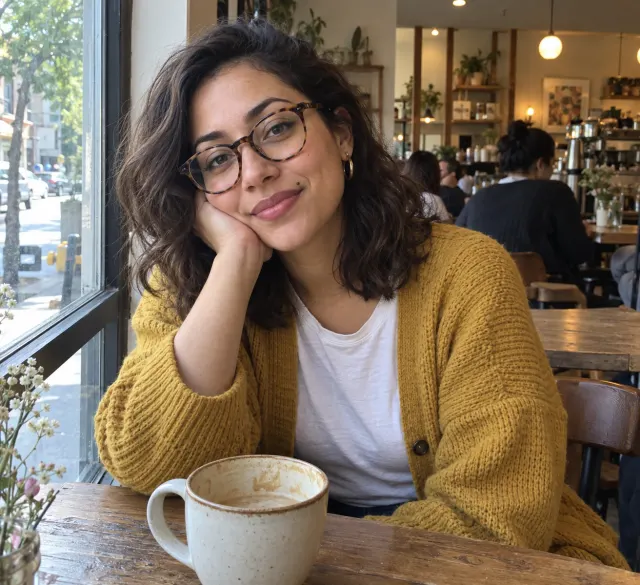
Self-portrait · Comic
A surprise birthday, starring you
One phone photo becomes the lead of a birthday-gift comic. Glasses, curls and cardigan stay the same in every panel.
Cookie choices
Necessary cookies support login, payments, and security.
Optional analytics help us improve Comicory.
Current analytics: not set · Cookie Policy
Comicory
Upload reference photos of an original character or a real person. The AI comic generator keeps that exact face, hair and outfit on-model across every panel and every chapter.
Upload once
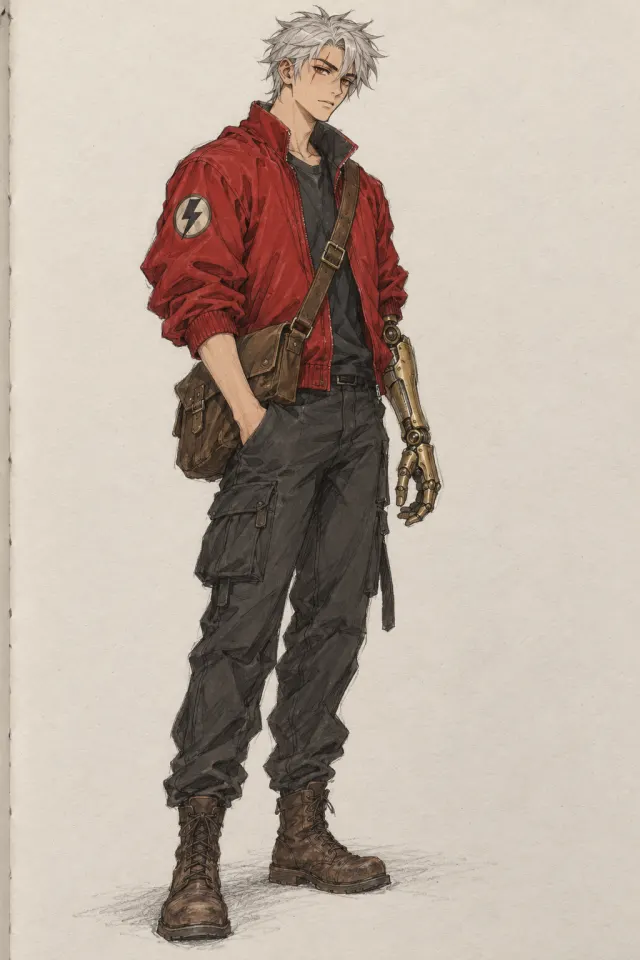
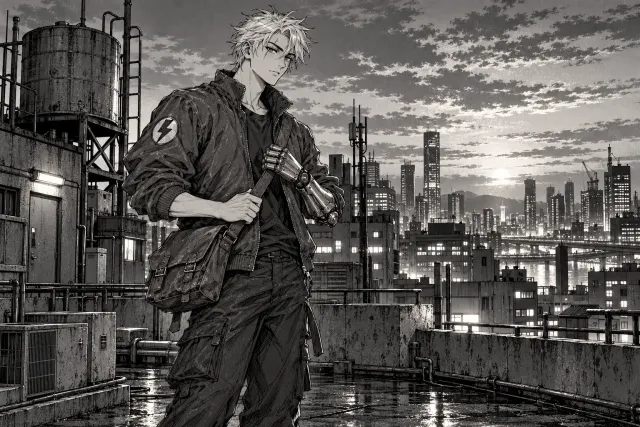
The same upload, drawn in six of our styles. Face, hair and outfit stay put; only the linework and color change.
 Comic BookFree
 MangaFree
 WebtoonFree
 ChibiFree
 Noir (B&W)Paid
 Pixel ArtPaid
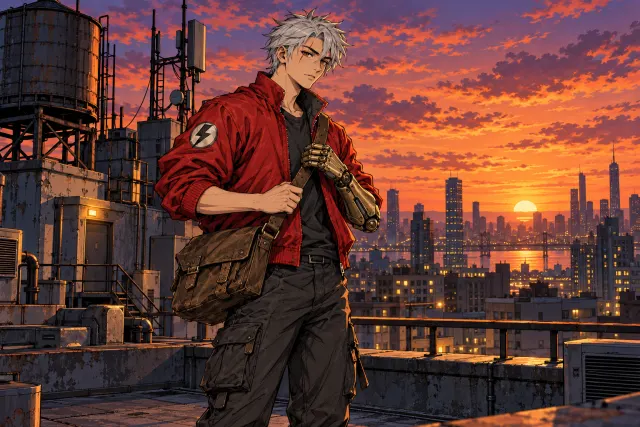 Comic BookFree
 MangaFree
 WebtoonFree
 ChibiFree
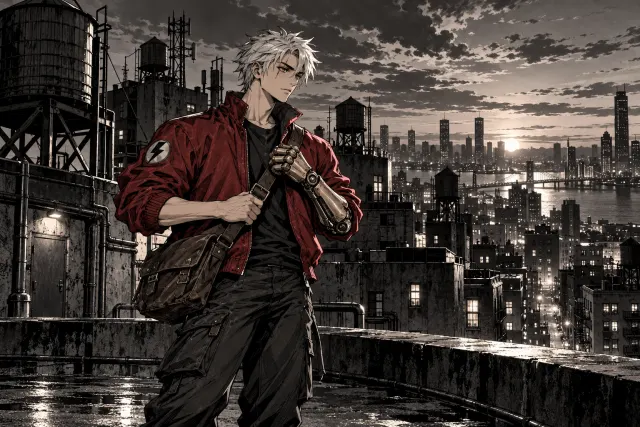 Noir (B&W)Paid
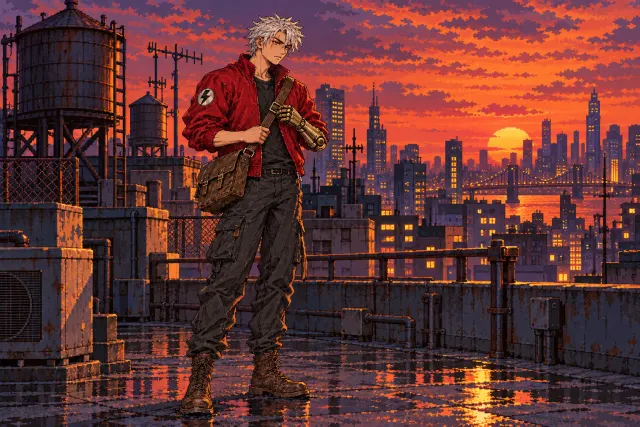 Pixel ArtPaid
Maya and Rook are AI-generated example characters, not real people.
Three ways people use it
A self-portrait, an original character and a recurring cast — each comic starts from the upload on its left.
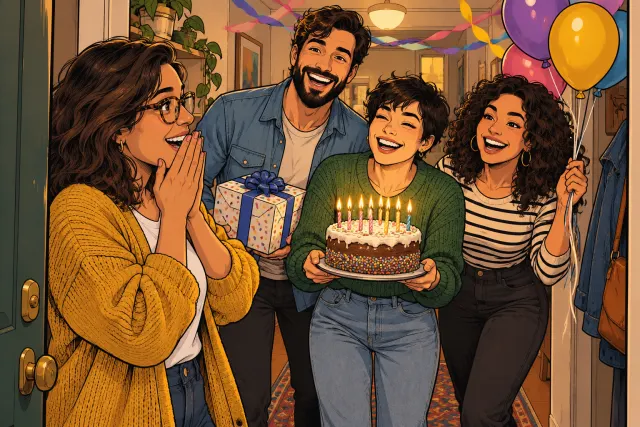
Self-portrait · Comic
One phone photo becomes the lead of a birthday-gift comic. Glasses, curls and cardigan stay the same in every panel.


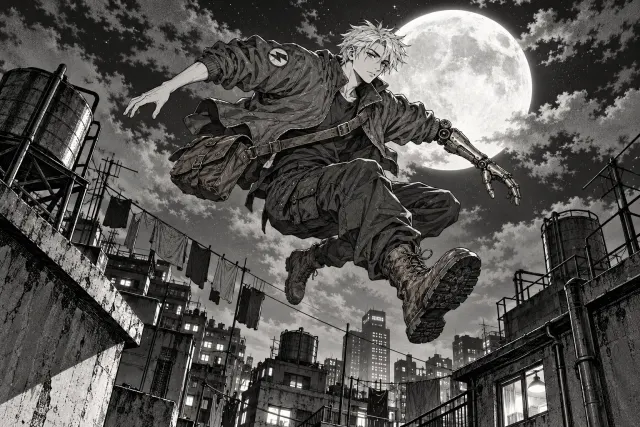
Original character · Manga
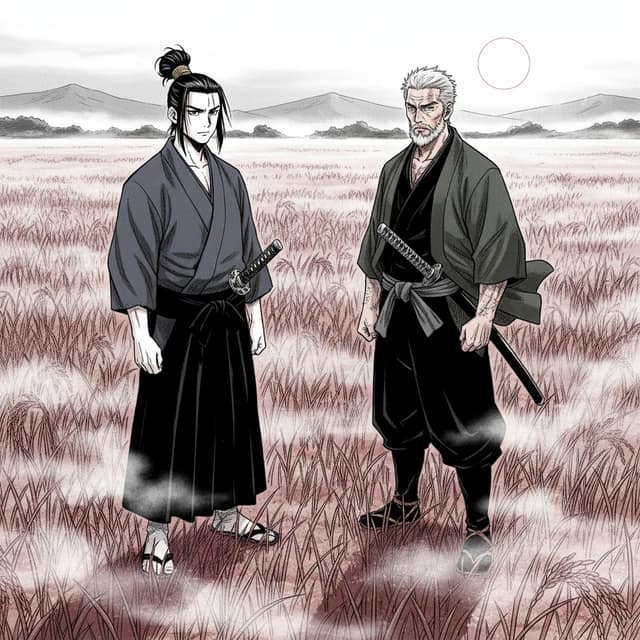
A rough sketch carried into an action manga. The scar, the silver hair and the brass arm survive the jump to ink and screentone.
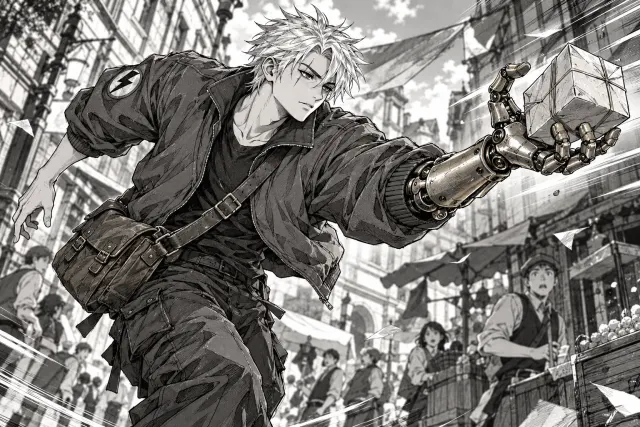
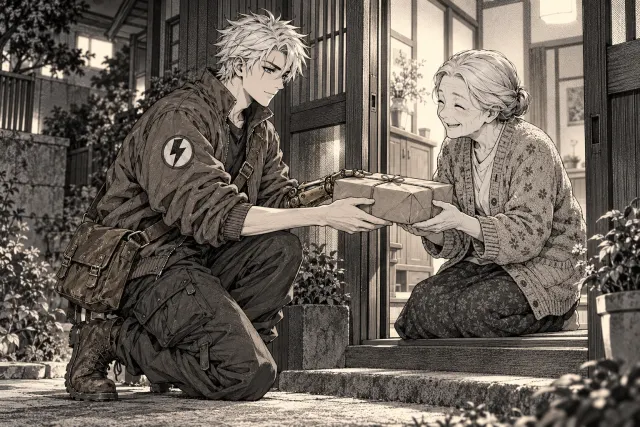
Recurring cast · Webtoon
Both uploads in one story, still on-model when the next chapter picks up with Continue Story.
 Chapter 1
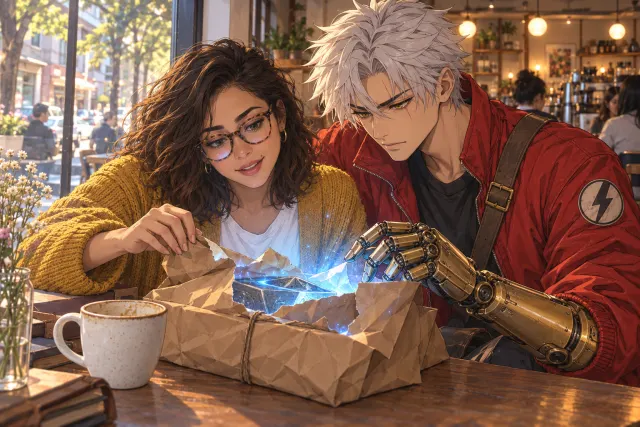 Chapter 1
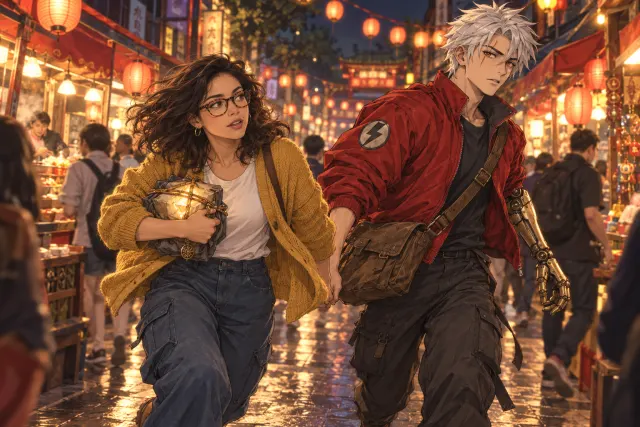 Chapter 2
Your turn.
Upload 1–6 photos of yourself, a sketch of your OC, or a friend who said yes. Same face in every panel and every chapter.
Character upload
Uploaded characters and locations stay in your library for every future comic. Every account starts with one of each, uploading is free, and you pay only for the panels you render.
| Plan | Price | Your characters | Your locations | Credits | All styles |
|---|---|---|---|---|---|
| Free | $0 | 1 | 1 | 10 once | — |
| First Comic Pack | $4.99 | 2 | 1 | 20 | — |
| PlusCheapest way in | $9.99/mo | 15 | 8 | 100/mo | Yes |
| Creator Pack | $19.99 once | 10 | 5 | 200 | — |
| Pro | $19.99/mo | 30 | 16 | 250/mo | Yes |
| Max | $49.99/mo | 75 | 40 | 700/mo | Yes |
| Ultra | $99.99/mo | 150 | 80 | 1600/mo | Yes |
Free holds one character and one location, the First Comic Pack adds a second character — start free with yourself, and add more characters later.
How it works
A paragraph or a whole chapter. Pick a style and a length.
FreeThe AI splits it into panels with dialogue. Change anything before a single image is drawn.
4 creditsEach character, scene and panel is drawn once, then kept on-model.
1 credit eachFree vs paid
 Made with Comicory · comicory.com
Most AI comic generators force you to describe a character in words — and the model invents a different face every panel.
Comicory's character upload changes that. Drop in 1–6 reference photos, name them, and pin them to your comic. From there, the AI keeps them on-model in every panel you generate.
Upload reference photos of any character — a self-portrait, a friend, a sketch of an OC, a model sheet from another artist, a photo of a costumed cosplay. The AI builds a stylized character reference from those photos, then conditions every comic panel on that reference.
Faces, hair, and outfit stay locked across the whole story.
Open the character panel, drag in 1–6 photos. Name your character. Comicory builds a reference automatically.
Pick which uploaded characters appear in this comic. They're added to the script alongside any AI-generated cast.
Every panel uses your uploaded reference. Same face, same hair, same outfit — across every page and every chapter.
Saved characters live in your library and can be selected for any future comic — once you've uploaded yourself, you don't need to do it again next time. Hide a character from a single comic without deleting them, restore them later, or remove them entirely.
Character uploads come with every account, free included (one free character slot, two with the $4.99 First Comic Pack, more with a subscription or a credit pack from the $19.99 Creator Pack up); the saved library carries over to higher tiers.
Three big reasons creators upload their own characters: drawing themselves into a story, reusing a long-running OC across many comics, and keeping commissioned characters on-model when handing the same cast to readers across a serialized webtoon.
Upload your own photos and star in a comic. Same face every panel — perfect for fan-fiction, dating-sim style romance, or birthday gift comics.
Upload your OC's reference sheet and run them through manga, webtoon, chibi or noir styles — the character ID stays the same even when the art style changes.
Build a cast once, then keep them locked across chapter after chapter. Continue Story (Create next chapter) reuses your uploaded references automatically.
Uploads run through a moderation pipeline before any character reference is built — anything flagged is rejected. Uploads are stored privately on Comicory's CDN and only used to generate your comics; nothing is published to a public gallery without your explicit opt-in.
You can delete a character at any time, which removes the saved reference from your library.
Questions
No. Comicory's default flow generates a character reference from your story description automatically — uploads are optional. Pick uploads when you want a specific face or an existing OC; skip them when you're inventing characters from scratch.
Between 1 and 6 photos per character. More photos give the model a better view of the face from different angles — 2–3 clear photos work best. Try to include at least one front-facing shot.
Yes — with every account, free included (one free character slot, two with the $4.99 First Comic Pack, more with a subscription or a credit pack from the $19.99 Creator Pack up), you can upload photos of yourself or a real person you have permission to depict (a partner, a family member, a friend who consented). Uploads are moderated and the platform's terms forbid uploading photos of public figures or people without consent.
It will be a stylized version in your chosen art style — manga linework, webtoon shading, chibi proportions and so on. The face shape, hair color and outfit details stay locked, but the rendering matches the comic style instead of being a literal photo trace.
No. Uploads are stored privately and only used to render comics for your account. Nothing is published publicly unless you explicitly mark a finished comic as public.
Yes — one character. Every account uploads one character, one location and one prop free. More slots come with every subscription and with the one-time Creator Pack ($19.99) and up; the $4.99 First Comic Pack adds only a second character. Photos must be of you or of someone who agreed to it; a public figure only if you are them or act for them with their permission.
Keep exploring
Ready when you are.
Sign up free and get 10 one-time credits — the script plus a 4-panel comic with 1 character and 1 location. No card.
