Comicory
Comic Photo Filter
Your photo, comic-book inked.
Apply a comic book filter to your photos with AI — bold ink outlines, halftone shading and punchy pop-art color. And when one stylized panel isn't enough, the same tool turns that photo into an entire comic.
- Same cast in every panel
How it works
What each step costs.
- 1
Write your story
A paragraph or a whole chapter. Pick a style and a length.
Free - 2
Review the script
The AI splits it into panels with dialogue. Change anything before a single image is drawn.
4 credits - 3
Render the comic
Each character, scene and panel is drawn once, then kept on-model.
1 credit each
Free vs paid
What changes when you pay.
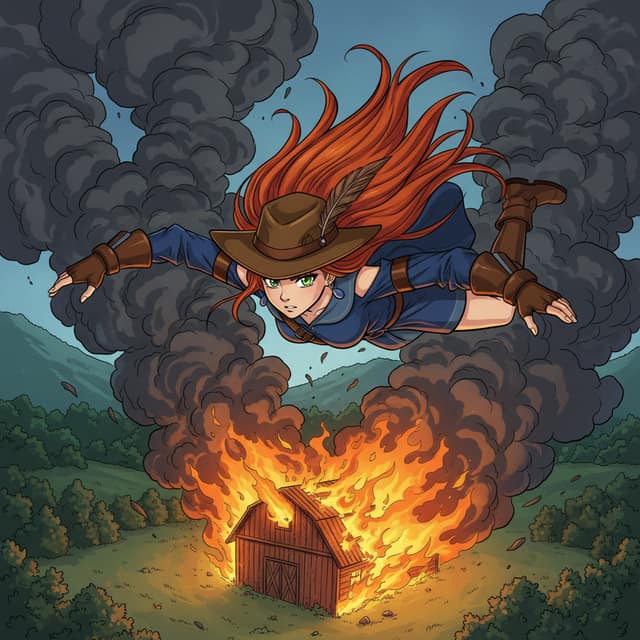 Made with Comicory · comicory.com
Free
- 10 credits, once, no card
- Downloads carry a small Comicory badge
- 10 of 24 art styles
- Upload 1 character, 1 location & 1 prop of your own
- 1 AI-generated reusable character (1 credit to draw)
Paid
- Clean downloads with any pack or plan
- 23 art styles with any subscription, all 24 on Pro and up
- More upload slots (subscriptions, and packs from $19.99)
A comic book photo filter used to mean a Photoshop action: posterize, add dots, hope for the best.
AI changed that. Instead of layering effects on top of your pixels, Comicory redraws the photo as comic art — real inked outlines, deliberate halftone texture, comic-book lighting. The subject stays recognizable; the medium changes completely.
Inside the Comic Book Filter
What separates comic art from a filtered photo is structure, and the AI rebuilds all three layers of it. Ink: every figure gets clean, variable-weight outlines the way a comic inker would draw them.
Halftone: smooth photo gradients become Ben-Day-style dot shading, the signature texture of printed comics. Color: the palette flattens into bold, high-contrast pop-art fills instead of photographic tones.
Comic Book Filter for Photos of People
Faces keep their identity — hairstyle, glasses, expression — while gaining superhero-cover inking. Great for avatars, posters and gifts.
More Than One Look
Classic American comic book is the default, but the same photo can render as cartoon, noir ink-wash or Saturday-morning styles instead.
How to Comic-Filter a Photo
Upload your picture, choose the comic style, and generate. The AI converts your photo into a comic character reference and renders it as finished panel art you can download in high resolution.
Re-roll until the inking feels right — each render is a fresh drawing, not the same effect re-applied.
Filter or Full Comic? How to Choose
If you want a single striking image — a profile picture, a birthday post, a poster — the filter output is the finish line. But the fun of comic-book style is sequential: your filtered character can star in a multi-panel story with speech bubbles, backgrounds and a plot.
If that's where you're headed, the photo to comic converter takes the same upload and builds a complete multi-panel comic around it. Same engine, bigger canvas — start with the filter, keep going if the story itch hits.
Questions
About this generator.
You can explore the tool and draft for free; rendering comic art starts at $4.99 for a one-time credit pack with no subscription. Using your own photo as the character works on every account, free included (one free character slot, two with the $4.99 First Comic Pack, more with a subscription or a credit pack from the $19.99 Creator Pack up).
No — and that's deliberate. A one-tap filter overlays effects on your pixels. Comicory's AI redraws the photo as comic art, which takes a few seconds longer but produces real inked linework and halftone shading instead of a posterized photo. You also get a reusable comic character out of it.
It's the dot-pattern shading you see in printed comics — invented to fake gradients with cheap ink. The comic book filter recreates it as an artistic texture, which is a big part of why the output reads as 'comic book' at a glance.
Photos of yourself, friends and family (with their permission), pets, and original characters all work. Photos of people who haven't consented aren't allowed (a public figure only by them or their team), and film stills, stock photos and copyrighted characters are rejected at upload.
The filter mindset: one photo in, one piece of comic art out. The converter mindset: one photo in, a whole multi-panel comic out — script, speech bubbles, consistent character across pages. This page covers the first; the photo to comic converter page covers the second. Both run on the same upload.
Keep exploring
You might also like.
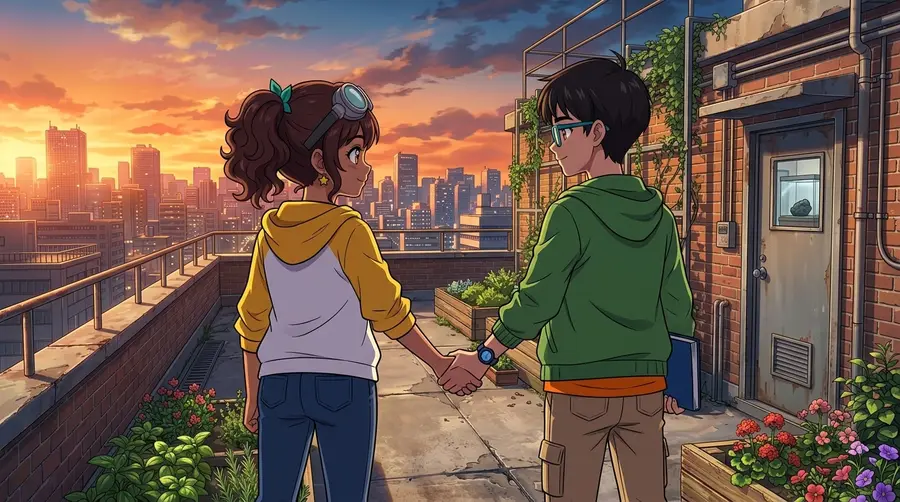
Ready when you are.
Start with a paragraph.
Finish with a comic.
Sign up free and get 10 one-time credits — the script plus a 4-panel comic with 1 character and 1 location. No card.