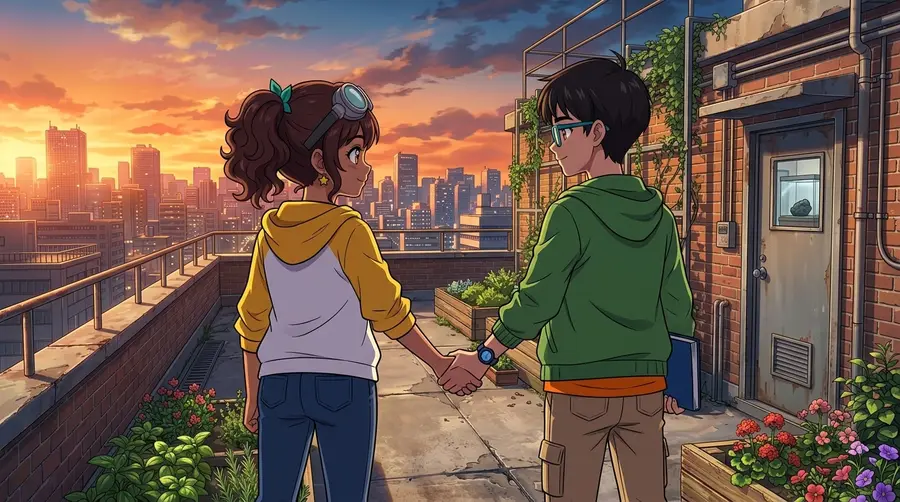
Start with a reference you can actually check
Write down a few visible identity anchors: face shape, hair, a distinctive feature and the main outfit. Keep descriptions specific enough to check in the finished artwork. A name or personality trait alone cannot tell an image model which face to draw.
For an original character, use reference art you own or have permission to use. Choose clear images that agree on the same design. Avoid a mixture of different hairstyles, ages or costumes unless those changes are part of the story. If you have several views, make sure they represent the same character rather than several interpretations.
Comicory can generate a reference from a character description, or you can use the custom character comic maker to bring your own images. Uploads require a subscription or a credit pack from the $19.99 Creator Pack up; they are not unlocked by the entry-level First Comic pack. You do not need uploads to start with an AI-generated cast.
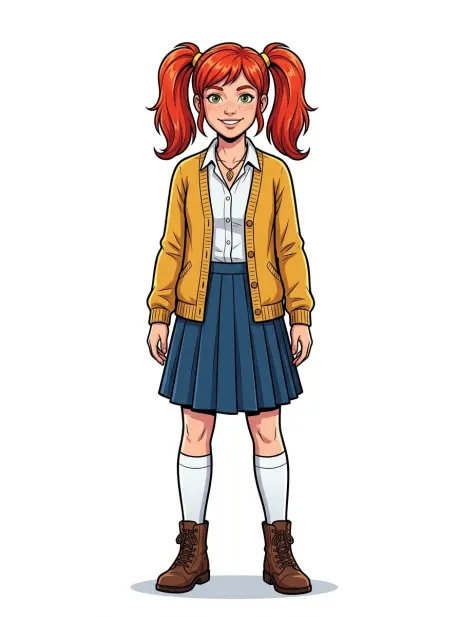
Keep identity separate from the scene
Keep the character's stable description in the cast. Put the action, expression and camera angle in the scene. If every panel rewrites the character from scratch, small contradictions become easier to introduce: a red jacket becomes a yellow cardigan, or a teenager becomes an adult.
Review the script before generating images. Check that each speaker has the correct name, each action belongs to the right person and any intentional costume change is explicit. In a group scene, distinguish characters with clear positions and actions. Similar names, overlapping outfits and vague phrases such as 'the girl talks to the other girl' make the result harder to inspect.
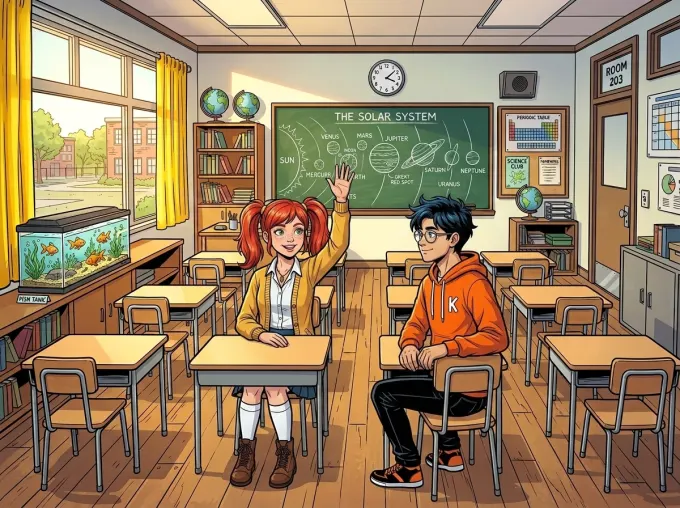
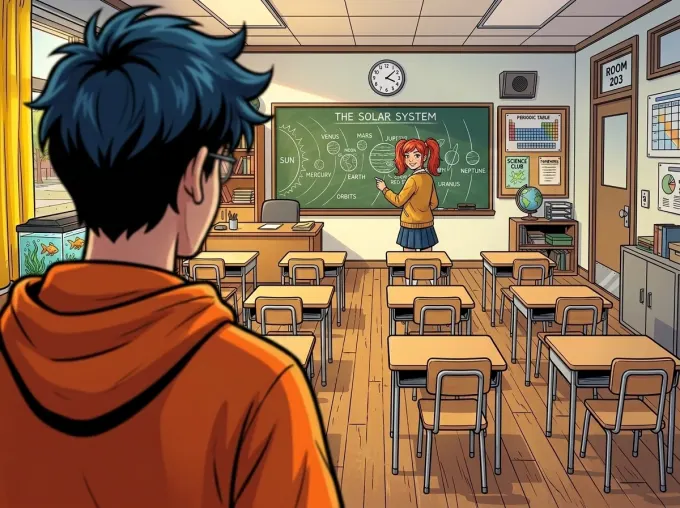
A useful scene instruction is concrete: Mira, wearing her established cardigan, raises her hand at her desk while the boy in the orange hoodie watches. You can change the shot without changing the cast description. References help, but they do not remove the need to review the result.
Compare the same character across camera angles
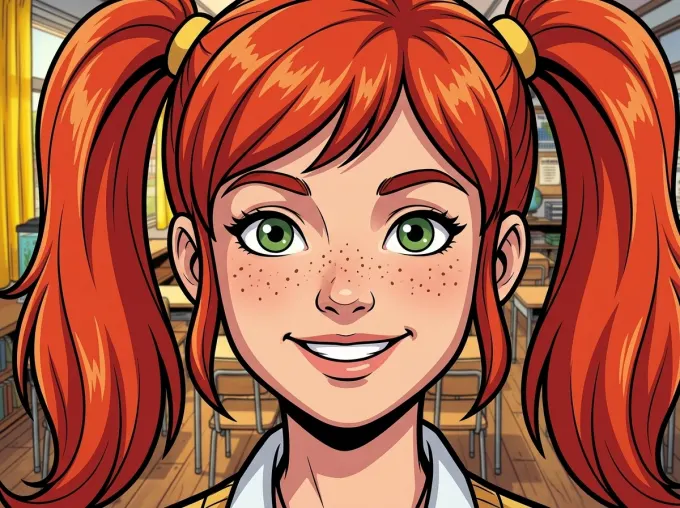
Do not judge consistency from one attractive close-up. Compare a wide shot, a close-up and an angle where the face is less visible. Look at the hair silhouette, facial features, clothing and proportions. Also check whether the character is doing the action assigned in the script.
These panels are existing, unretouched output from the same Comicory classroom demonstration. They show Mira at different distances and angles. They illustrate one successful example, not a guarantee that every generation will match it. Small faces, hands, occlusion and scenes with several people still deserve particular attention.
Fix the smallest part that is wrong
First identify the error. A typo in a speech bubble is a text edit, not a reason to regenerate the artwork. A hand or prop problem may suit a local image correction. A wrong person, pose or composition may need the whole panel redrawn.
In the AI comic editor, rewrite a panel's prompt and regenerate that frame, or use Fix Area to select a region and describe the correction. Check the cost before confirming an image edit: retries and repairs consume credits. Inspect the repaired panel beside its neighbors, because a better face can still come with a changed outfit or background.
For a local correction, name the visible result you want: 'match Mira's red twin tails and mustard cardigan to her reference.' Avoid adding a new art style or redesigning the character in the same instruction. If several panels are wrong, go back to the cast and script rather than repeatedly repairing a contradictory setup.
Carry the cast into the next chapter
A series needs story continuity as well as similar faces. Note the outfit, relationships, location and unfinished action at the chapter boundary. If time has passed or someone changes clothes, say so explicitly in the next chapter's instructions.
Comicory's comic series generator reuses the existing cast and art style through Continue Story. Review the proposed script before rendering, then compare the first new panels with the previous chapter. Reused references support continuity; they do not guarantee identical details or an error-free plot.
Keep your strongest references and a short cast description as reusable assets. If you change tools or art styles, expect to check the design again rather than assuming a previous reference will reproduce pixel-identical output.