Comicory
Cartoon Maker
Characters first. Scenes in seconds.
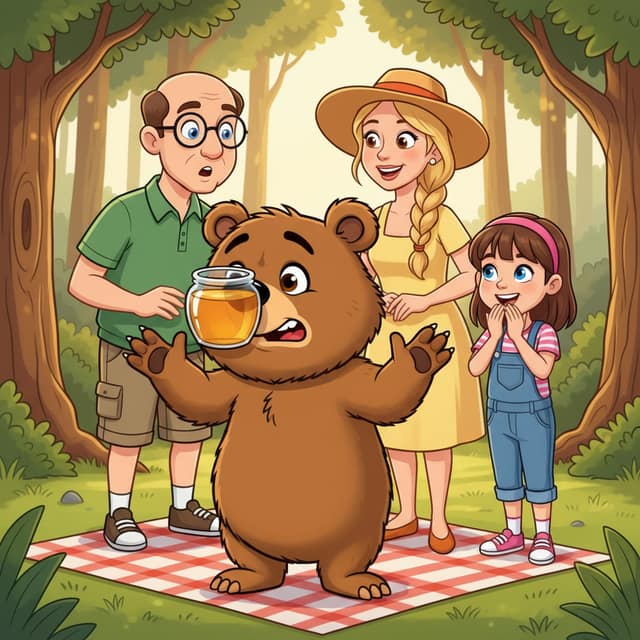
A cartoon maker that starts where cartoons start: the characters. Describe your cast in a sentence, and the AI designs them, keeps them on-model, and draws every scene you write — bold outlines, flat color, expressive faces.
- Same cast in every panel
How it works
What each step costs.
- 1
Write your story
A paragraph or a whole chapter. Pick a style and a length.
Free - 2
Review the script
The AI splits it into panels with dialogue. Change anything before a single image is drawn.
4 credits - 3
Render the comic
Each character, scene and panel is drawn once, then kept on-model.
1 credit each
Free vs paid
What changes when you pay.
 Made with Comicory · comicory.com
Free
- 10 credits, once, no card
- Downloads carry a small Comicory badge
- 10 of 24 art styles
- Upload 1 character, 1 location & 1 prop of your own
- 1 AI-generated reusable character (1 credit to draw)
Paid
- Clean downloads with any pack or plan
- 23 art styles with any subscription, all 24 on Pro and up
- More upload slots (subscriptions, and packs from $19.99)
Classic cartoon makers hand you a library of preset clip-art characters and let you drag them around a canvas.
This cartoon maker draws instead: your characters, your scenes, in a real cartoon style rendered fresh for every panel. It runs on the same character-consistency engine as every Comicory comic.
What Makes a Cartoon Maker Different From a Comic Maker
Cartoons live and die on character design — a shape language simple enough to read at a glance and expressive enough to carry the joke. A comic tool starts from the story; a cartoon maker has to start from the cast.
Comicory generates a character sheet before it draws a single scene, so your characters look designed, not sampled, and stay recognizable in every panel after.
Design the Cast
Describe each character — 'a nervous pigeon in a tiny hard hat' — and the cartoon maker renders a reference design with the proportions and silhouette cartoon needs.
Keep Them On-Model
Every scene re-uses the same character reference, so faces, colors and proportions hold from the first panel to the last — the cartoon version of staying on-model.
Draw the Scenes
Write what happens and the AI stages it: expressions, poses, backgrounds, speech bubbles. One panel or a full multi-panel cartoon, your call.
From One-Panel Gag to Full Cartoon Strip
A cartoon maker should cover the whole range of the format.
Render a single-panel gag cartoon for a newsletter, a 3–4 panel strip with a setup-and-punchline rhythm, or an 8-panel Saturday-morning-style episode — the same cast carries across all of them, and you pick the layout per page.
Single-Panel Cartoons
One scene, one caption, one beat. The classic editorial-cartoon format — fastest thing the cartoon maker produces.
Cartoon Strips
Three to four panels with dialogue. The AI scripts the beats so the punchline lands in the last frame.
Longer Episodes
Up to 16 panels across multiple pages, with the cast locked throughout. Continue the same characters into new episodes any time.
Cartoon Styles Beyond the Classic Look
The default cartoon style means bold outlines, flat color and big expressions — but the same cartoon maker renders 24 styles in total.
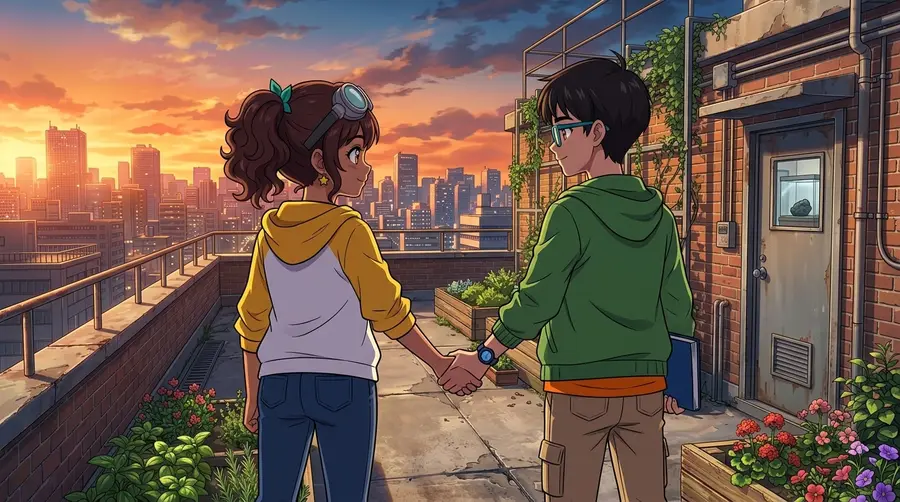
Chibi pushes the proportions cuter, watercolor softens everything for picture-book scenes, and the comic and anime styles are one click away if your idea outgrows the cartoon look. Switch styles per project without redesigning your cast from scratch.
Questions
About this generator.
Free signup gives you 10 credits — enough for the script preview plus the opening panels of an auto-planned cartoon, or one complete 4-panel cartoon with 1 character and 1 location if you set the panel count to 4 yourself. Paid credit packs start at $4.99 one-time, no subscription required.
No. You describe the characters and the scenes in plain text; the AI handles design, poses, expressions and backgrounds. If a panel isn't right, edit its description and re-render just that panel for 1 credit.
Yes — upload 1–6 photos and the cartoon maker turns you into an on-model cartoon character it can redraw in any scene. Photo upload comes with every account, free included (one free character slot, two with the $4.99 First Comic Pack, more with a subscription or a credit pack from the $19.99 Creator Pack up).
Each character gets a reference design before any scene renders. Every panel is then generated against that reference, so the same face, colors and proportions carry through the whole cartoon — no off-model drift between panels.
Yes. Dialogue renders as speech bubbles and narration as caption boxes, both editable after generation — drag bubbles, change the speaker, rewrite lines, pick bubble themes and fonts before you export.
High-resolution PNGs of the full page and individual panels, plus PDF. Free-tier exports carry a small watermark; any credit pack or plan removes it.
Keep exploring
You might also like.
Ready when you are.
Start with a paragraph.
Finish with a comic.
Sign up free and get 10 one-time credits — the script plus a 4-panel comic with 1 character and 1 location. No card.