What the MS Paint AI Drawing Trend Is
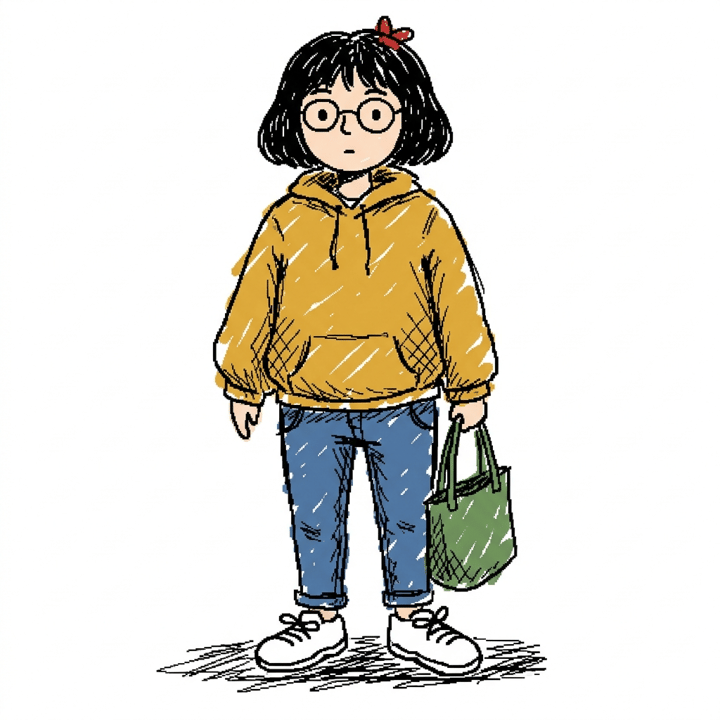
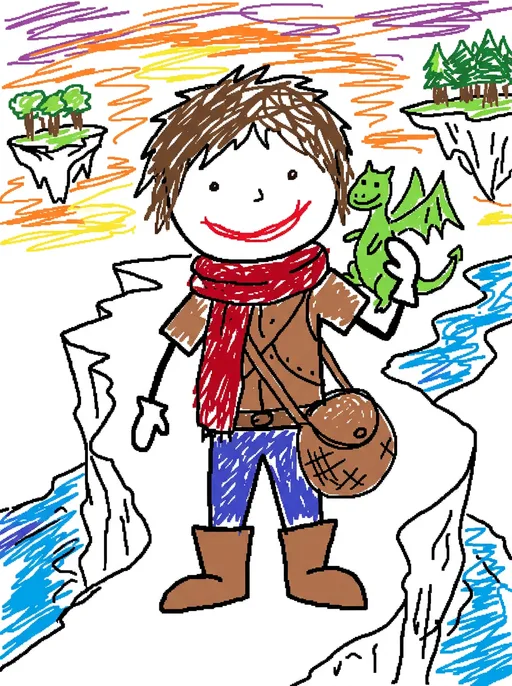
The format is simple: you attach a photo — a selfie, a couple, a pet, a company logo, a famous painting — and ask the model to redraw it in the most clumsy, scribbly and ‘utterly pathetic’ way possible, white background, as if drawn in MS Paint with a mouse. The result looks like a doodle from a 1998 school computer lab: dot eyes, a crooked-line mouth, mitten hands, hair as a squiggle, colour scribbled past the outlines. The joke is the contrast. People post their best photo next to the AI's worst interpretation, and the worse the drawing, the better the post performs. The prompt surfaced on Korean Threads in late April 2026, went global when the AI account CHOI reposted it on X on April 30, and got a second wave when OpenAI's Sam Altman reshared it. Forbes covered the trend on May 6; by summer OpenAI had folded the look into its Images 2.0 upgrade, and Grok Imagine had added a ‘Scribbli’ template that does the same thing from a button.
The Exact Prompt (Copy and Paste)
Here is the wording that went viral, unchanged: “Redraw the attached image in the most clumsy, scribbly, and utterly pathetic way possible. Use a white background, and make it look like it was drawn in MS Paint with a mouse. It should be vaguely similar but also not really, kind of matching but also off in a confusing, awkward way, with that low-quality pixel-by-pixel feel that really emphasizes how ridiculously bad it is. Actually, you know what, whatever, just draw it however you want.” Paste it into any image model that accepts a reference photo — ChatGPT's image mode, Gemini's Nano Banana, Grok Imagine — attach the picture, and send. It works on the first try far more often than most prompts because every clause is doing a specific job, which is what the next section is about.
Why the Wording Works (Clause by Clause)
The prompt reads like a rant, but it is a surprisingly tight piece of prompt engineering. ‘Clumsy, scribbly, utterly pathetic’ stacks three synonyms so the model cannot average them into ‘loose sketch’. ‘White background’ removes the one thing image models love most — atmosphere — and forces the figure to carry the picture. ‘MS Paint with a mouse’ names a tool and an input device, which pulls in the aliased edges, the bucket-fill colour and the shaky line that come with them. ‘Vaguely similar but also not really’ gives the model permission to get proportions wrong, which it otherwise refuses to do. ‘Pixel-by-pixel feel’ kills anti-aliasing. And the throwaway ending, ‘whatever, just draw it however you want’, lowers the model's confidence in its own polish — a small thing, but people who drop that line report noticeably cleaner, less funny results. Drop any single clause and the drawing drifts back toward competent.
When the AI Draws Too Well: Making It Worse on Purpose
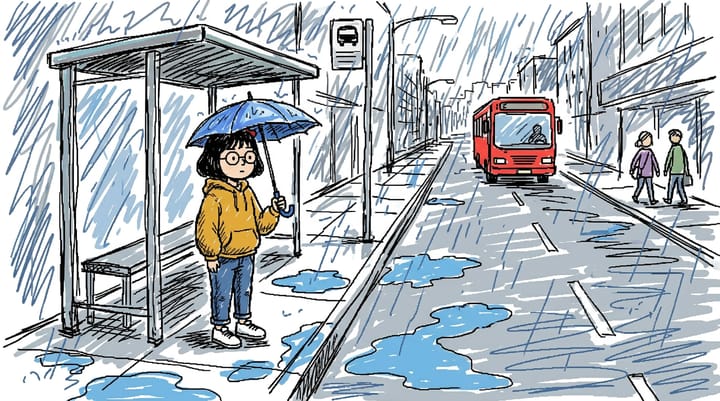
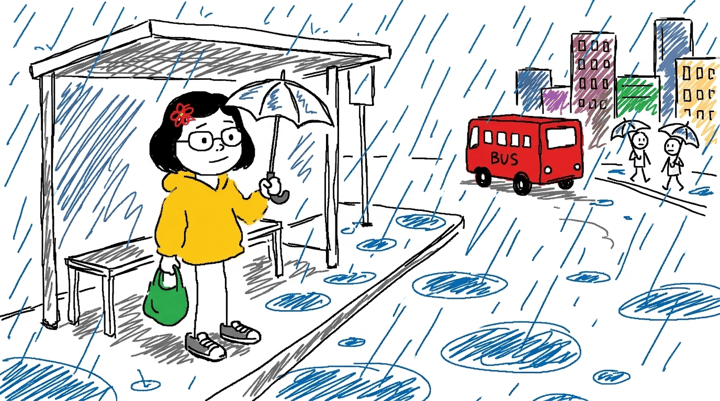
The most common complaint is that the drawing comes back charming instead of bad — proper perspective, correct fingers, a face that could be a children's-book illustration. That is not a fluke; it is the model's training and every hidden safety rule pulling in the same direction. We ran into this exact problem building a Scribble art style for Comicory. Our image pipeline appends a standard quality tail to every prompt — ‘natural anatomy, five fingers per hand, no warped proportions’ — because in every other style that is what users want. With that tail in place, the first test came back as a competent marker sketch, no matter how hard the style prompt asked for ‘wrong on purpose’. Removing the anatomy clauses, and only those, flipped it: oversized heads, stubby limbs, mitten hands, stick-figure bystanders, and a bus with ‘BUS’ hand-lettered crookedly on the side. The lesson transfers to any tool: if your result is too good, you are probably fighting an instruction that tells the model to be careful. Add ‘proportions wrong on purpose’, ‘as if drawn by a six-year-old’, ‘lines that never quite close’ and ‘no perspective skill’, and delete anything that asks for accuracy. The same phenomenon explains why AI struggles with hands in the first place — hands are where models spend the most effort being careful.
From One Bad Drawing to a Bad Comic
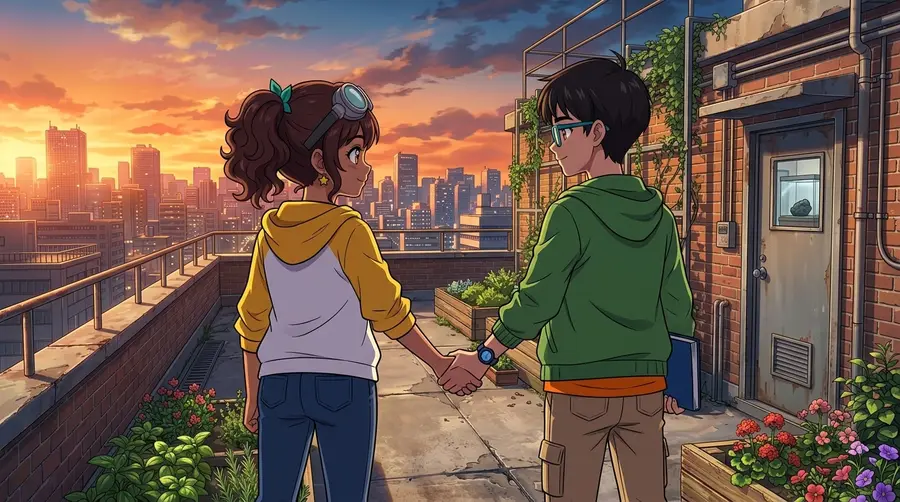
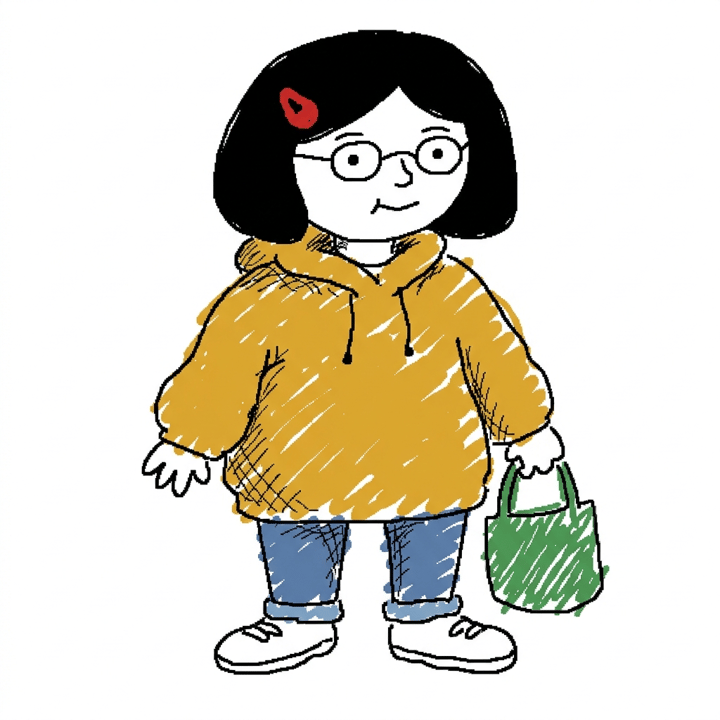
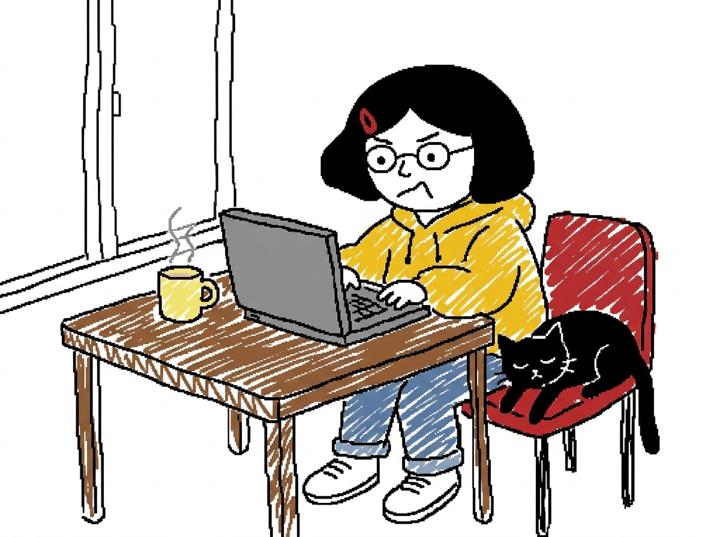
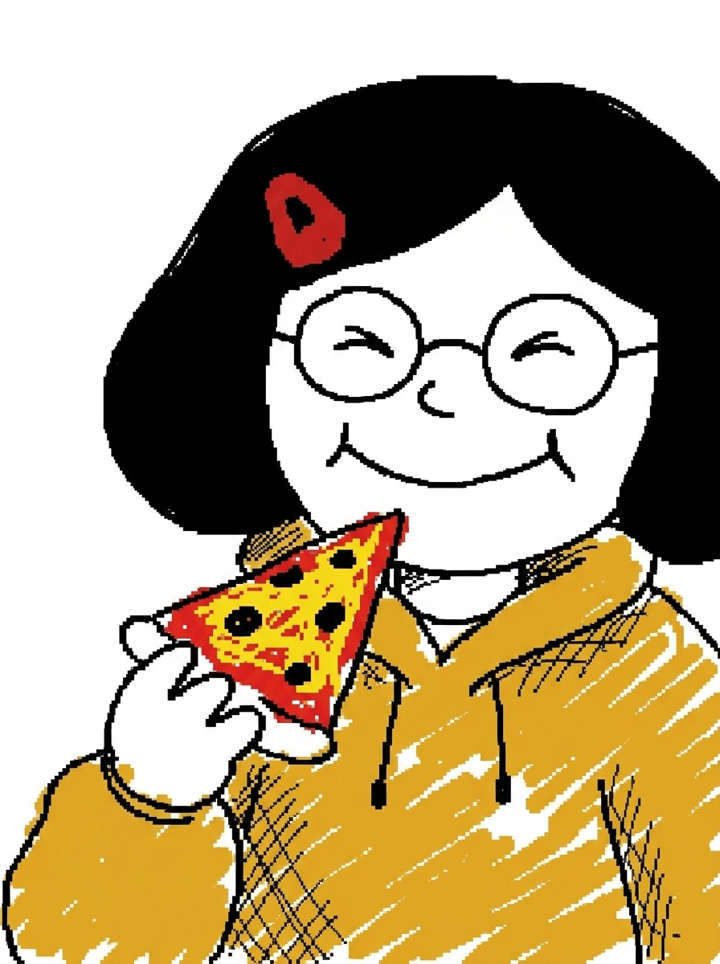
A single redraw is a joke; four panels are a story, and stories get shared with context. The problem is that the prompt is built for one image at a time. Ask a chat model for panel two and it redraws the person from scratch — new hair, new glasses, sometimes a new species — because each request is independent. A comic needs the same badly drawn character in every panel, which means a reference the model copies from, not a photo it reinterprets each time. That is the part Comicory's Scribble style is built for. You write the story (or paste a group-chat saga), the app writes a panel script, draws each character once as a reference, then draws every panel from that reference in the same doodle style — wobbly lines and mitten hands included — so the person with the round glasses and the yellow hoodie is recognisably the same in panel one and panel four. Speech bubbles are added as real, editable text on top, so the dialogue stays readable even when the drawing is deliberately not. If you want to start from a photo rather than a description, the same flow works as a photo to comic converter: upload the picture as a character and the whole comic is drawn from it.
Ten Comic Ideas That Work in This Style
The look is funniest on ordinary situations drawn with total incompetence, so skip the epic and go small. Ideas that land: the group chat planning a trip nobody books; a Monday stand-up meeting where every update is ‘still blocked’; the cat's version of why it woke you at 4 a.m.; the exact moment a couple picks a restaurant; a first date reconstructed by both people separately; the office fridge investigation; your toddler explaining the dinosaur incident; the family group chat reacting to one blurry photo; a dog's diary of the day the mail came; and the roommate who ‘definitely did the dishes’. Each of these is two characters and three beats, which is the shape a four-panel comic wants. If you need more, our list of comic strip ideas has a hundred more premises that scale down to this format, and the meme comic generator page shows the punchline-first way to structure them.
Tips for a Funnier Result
Keep the face recognisable through props, not features: glasses, a hat, a distinctive hoodie, a bag survive the scribble, while a jawline does not. Write real dialogue — the gap between a serious sentence and a face made of three dots is where the laugh lives. Leave signs and captions inside the picture to the model; crooked hand-lettering is part of the look, and a neatly typed sign breaks it. Post the original next to the drawing, because the contrast is the meme; a bad drawing alone is just a bad drawing. And resist the urge to fix it. The first time you see the model draw your best friend with one arm longer than the other, that is the one to send.