Bubble themes redrawn, and you can mix them per bubble kind
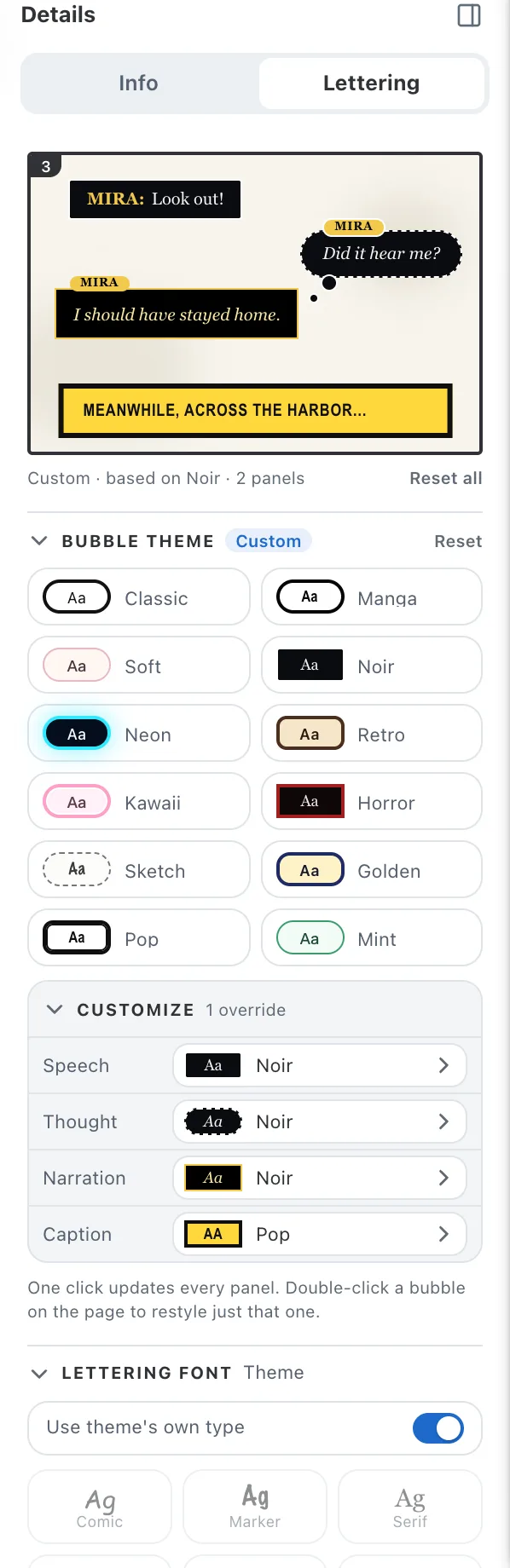
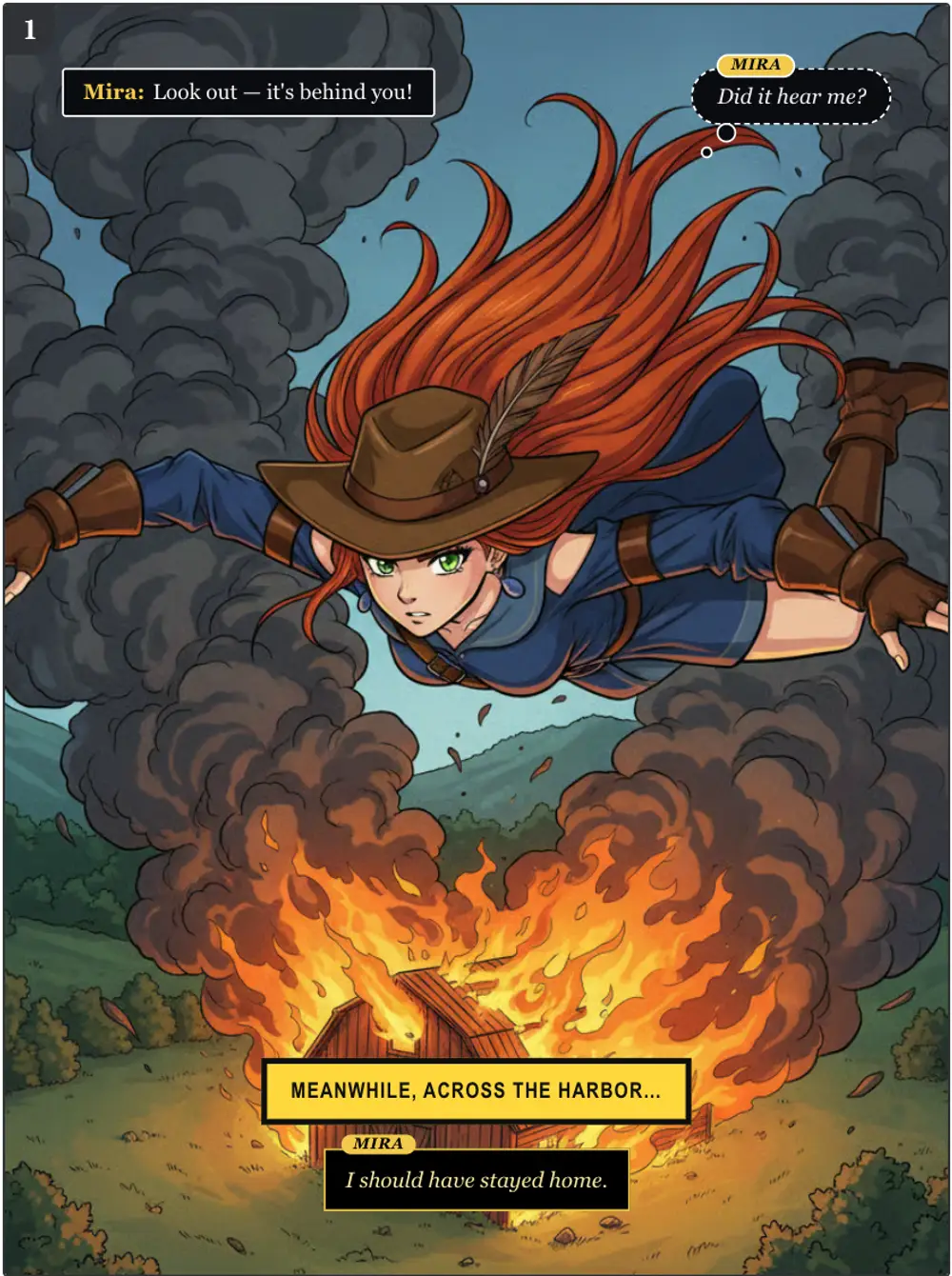
All twelve bubble themes have been redrawn the way printed comics letter: flat, opaque, no drop shadows, with the narrator's caption designed as its own material instead of a recolored speech box. Noir gets a double gold rule, Manga inverts its captions, Pop draws a second black line, Neon keeps its glow. The Lettering tab now opens on a live preview of every bubble kind so you see the whole set before you click.
Customize lets you pick a different theme for each kind of bubble — speech, thought, character narration and narrator caption — so a Classic comic can carry Noir voice-overs and Pop captions. One click on any preset puts all four back in step.
Fonts and panel-number badges live in the same tab: a switch keeps each theme's own type or opens the font grid, and the badge has a show/hide switch, a color row and a shape control.
Exports match the screen: dashed and double outlines, inner strokes and uppercase captions are drawn the same way in PNG, PDF, CBZ and long-image downloads.