New
Add characters and cast them right from the sidebar
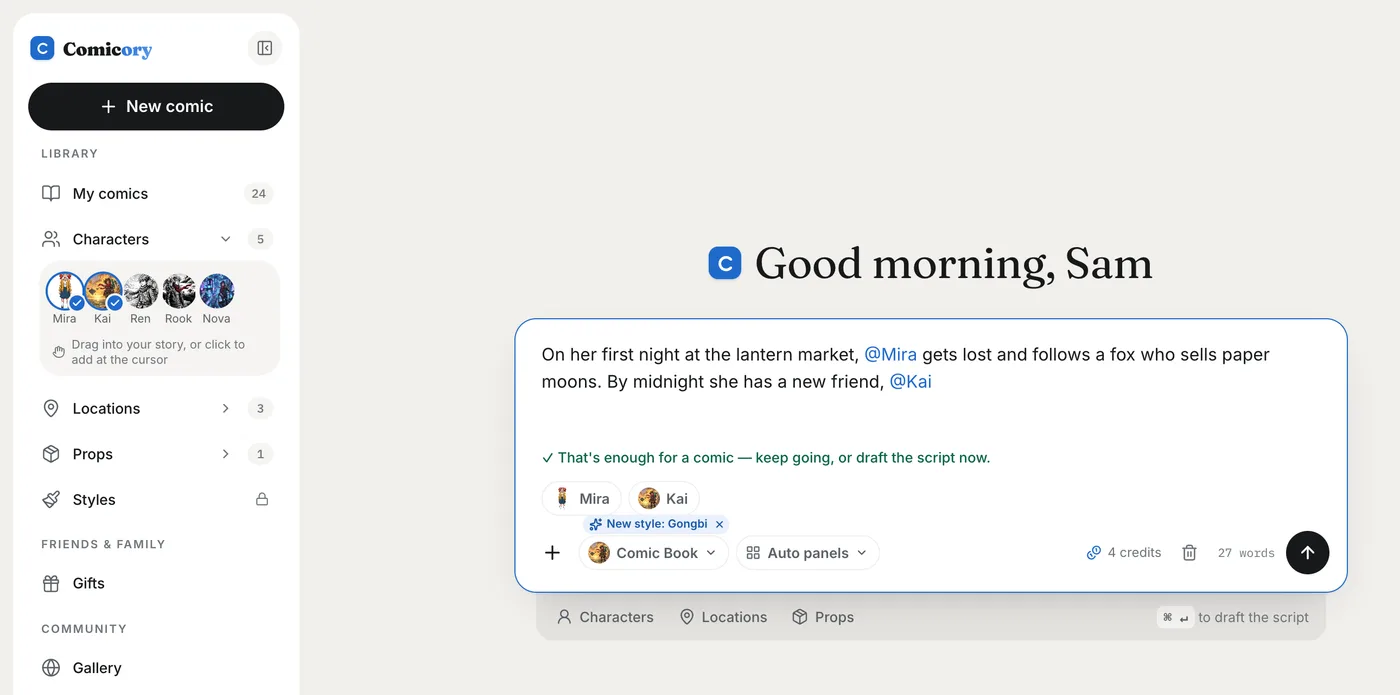
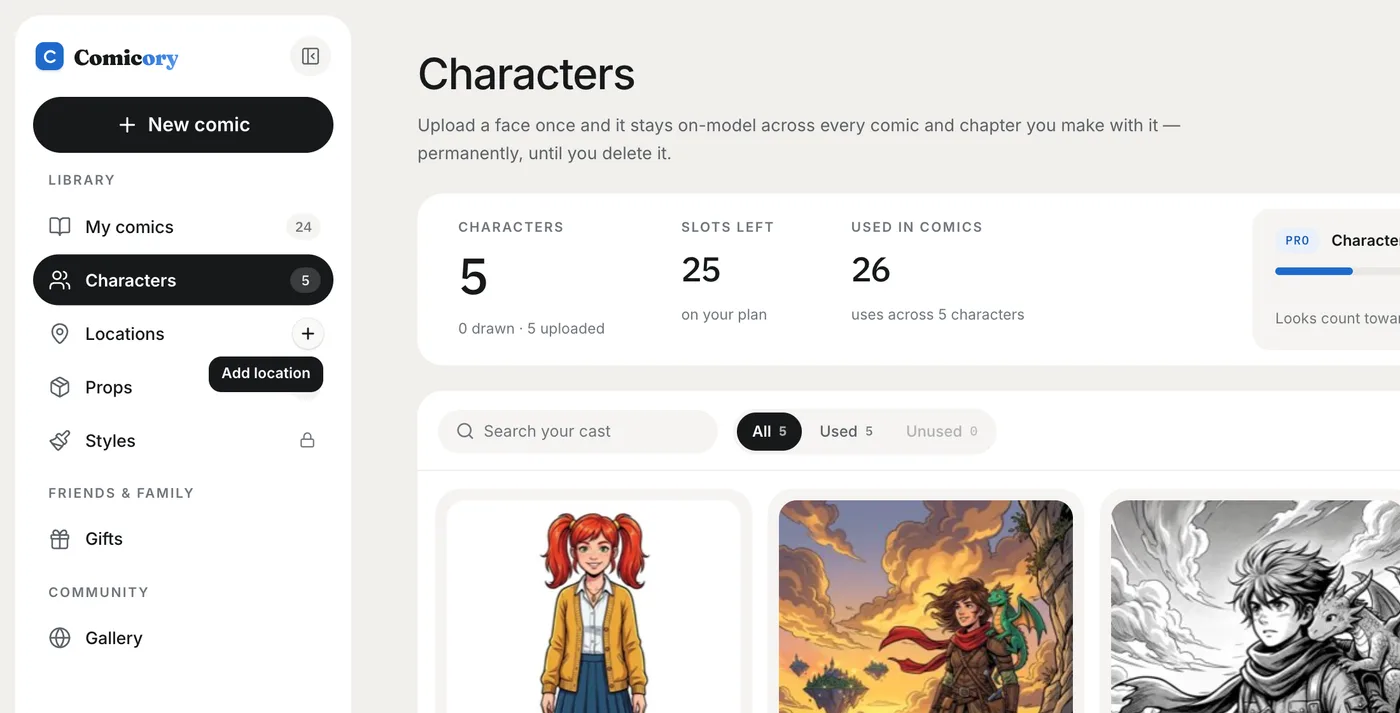
Hover Characters, Locations or Props in the sidebar and a + appears, so you can add one without leaving the page. While you write a story, drag a face from the sidebar into it to cast them.
The + opens the same upload form as the library page, on top of whatever you're looking at. Add someone while writing on Create and they go straight into your story at the cursor.
On Create, the arrow next to each library opens a strip of the faces and places you use most. Drop one where it belongs in your story, or click it to add it at the cursor. Anyone already in the story gets a blue check.
With the sidebar collapsed, hover an icon for the same Add option.