New
Choose each character's outfit, panel by panel
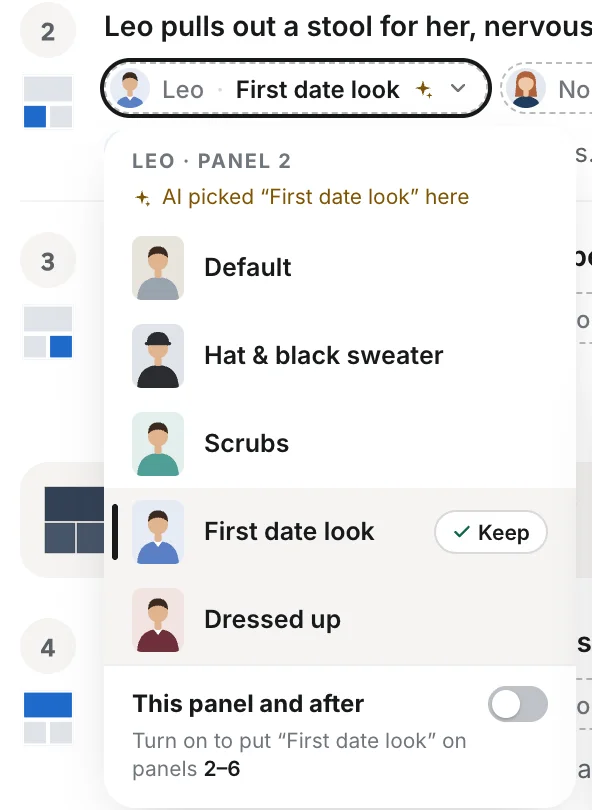
When a character has more than one look, every panel in your script now shows which one they wear. The AI still picks first; if it got one wrong, tap it and choose another before you render.
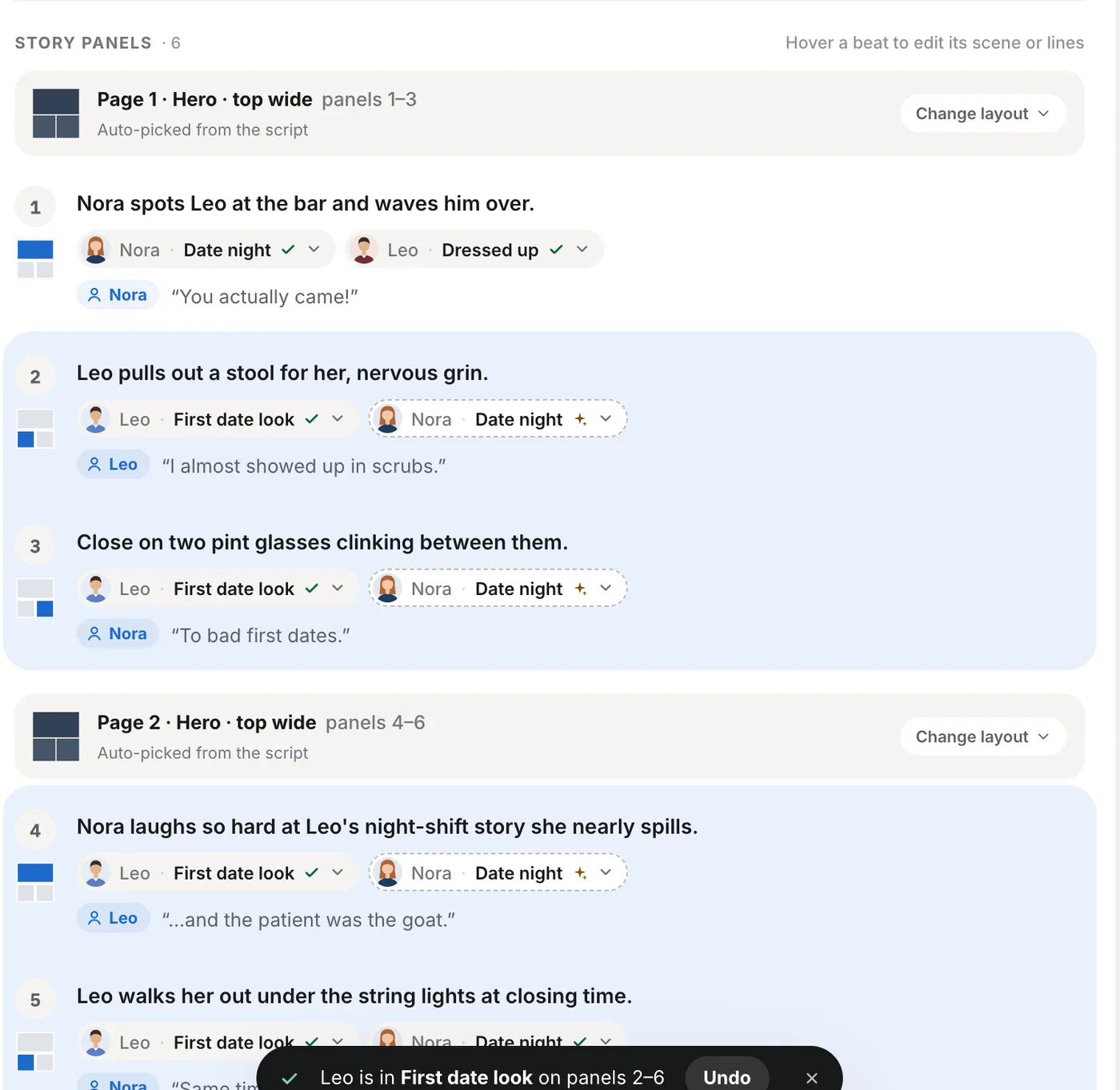
Each character pill on the script page shows the look in that panel. A ✦ means the AI picked it, a ✓ means you did, so you can see at a glance which panels you've already checked.
Turn on “This panel and after” in the menu to put the same look on every later panel that character is in, for the rest of the chapter. Changed your mind? Undo puts every panel back the way it was.
Picking looks is free. You only pay for panels when you render.