New
Make a cover for your comic
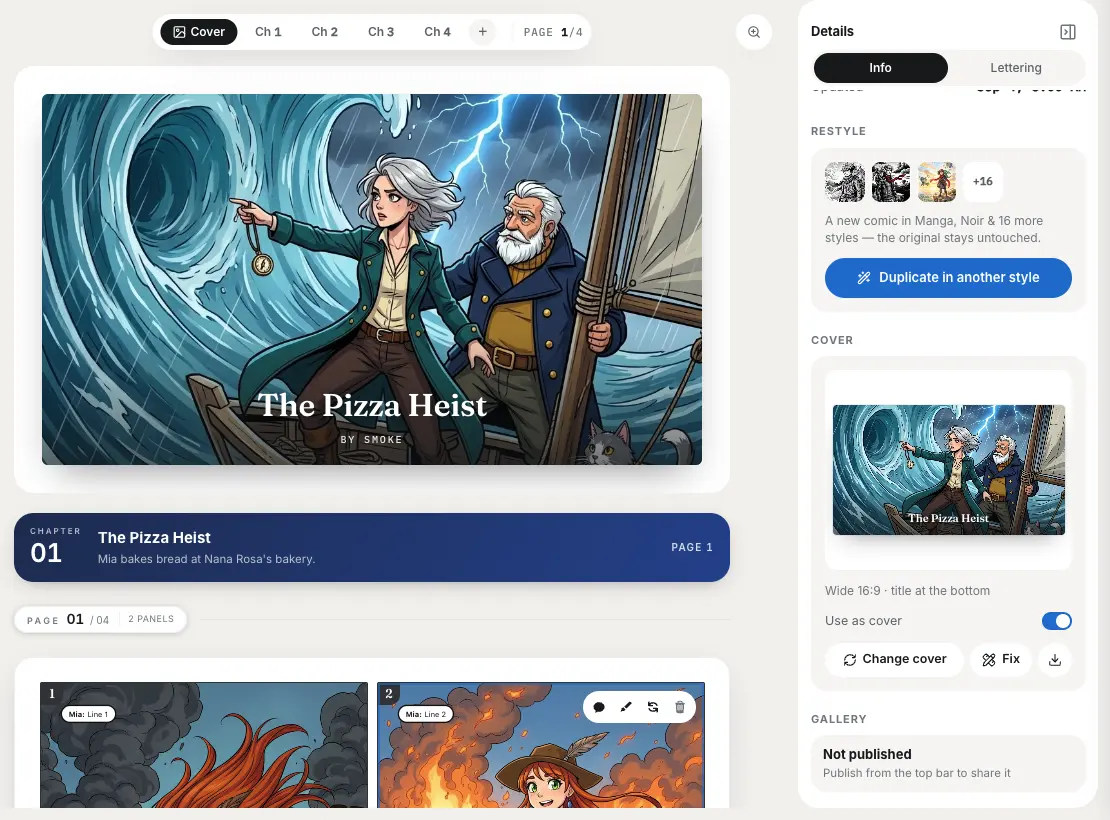
Draw one poster for the whole comic, with your cast in its main setting. The cover opens the comic and the reader, leads your downloads, and shows on My Comics and share cards.
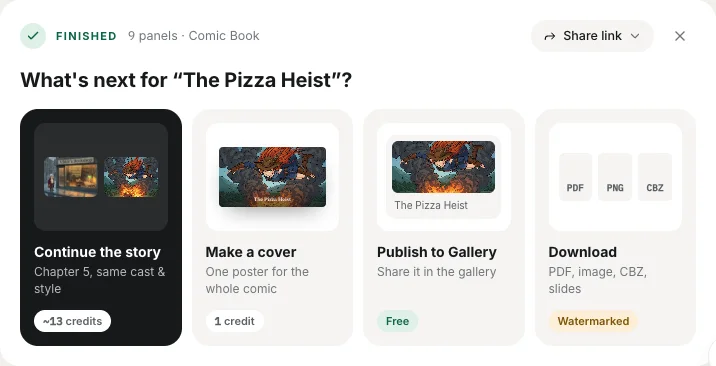
Find it under What's next or in the Cover section of the Details panel. Each try costs 1 credit. Covers are wide by default; book and square shapes are there for print. The title and byline are set as type, so they are always spelled right.
Switch back to any earlier try for free, or use Fix to repaint a small part of the cover (1 credit).
Also new: rename a comic with the pencil next to its title, pin comics to the top of My Comics (which now sorts by Recently edited), and a cleaner What's next card. The TikTok and Reels video export has been retired.