New
Upload photos straight from your phone
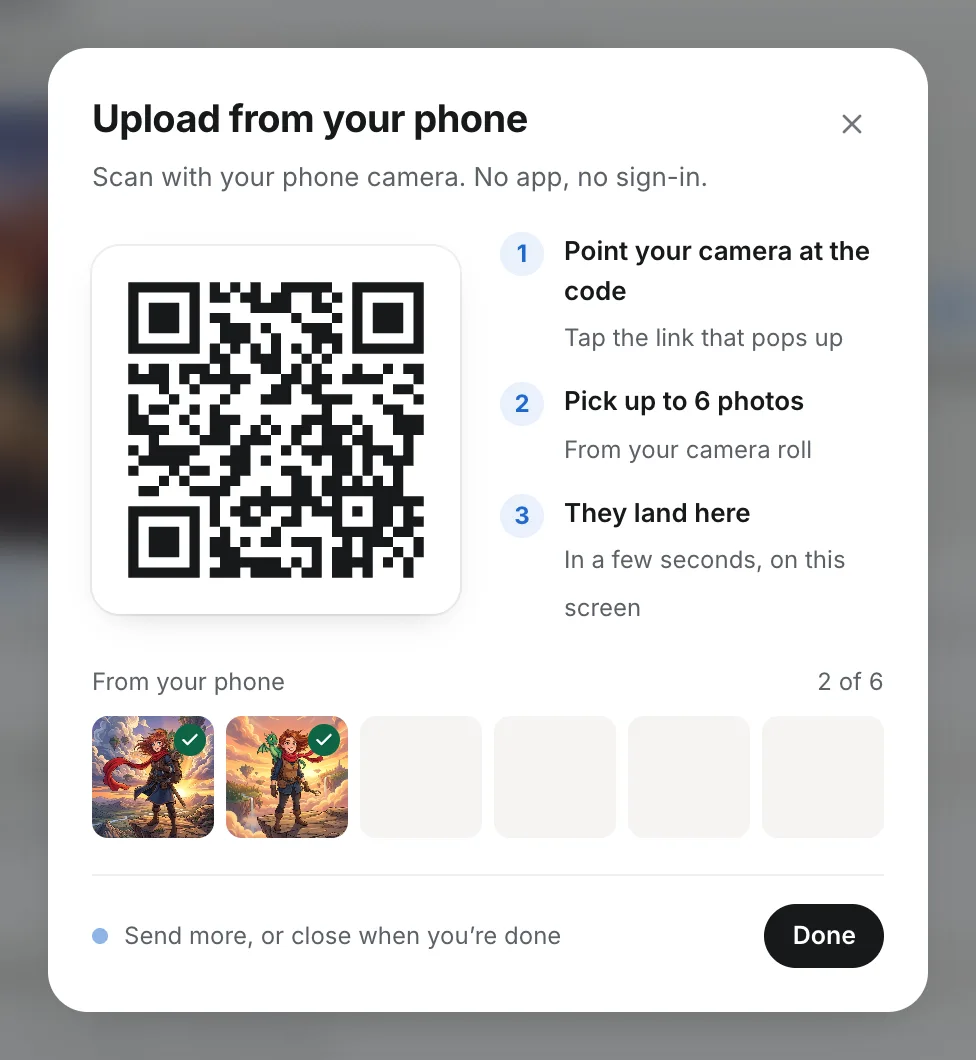
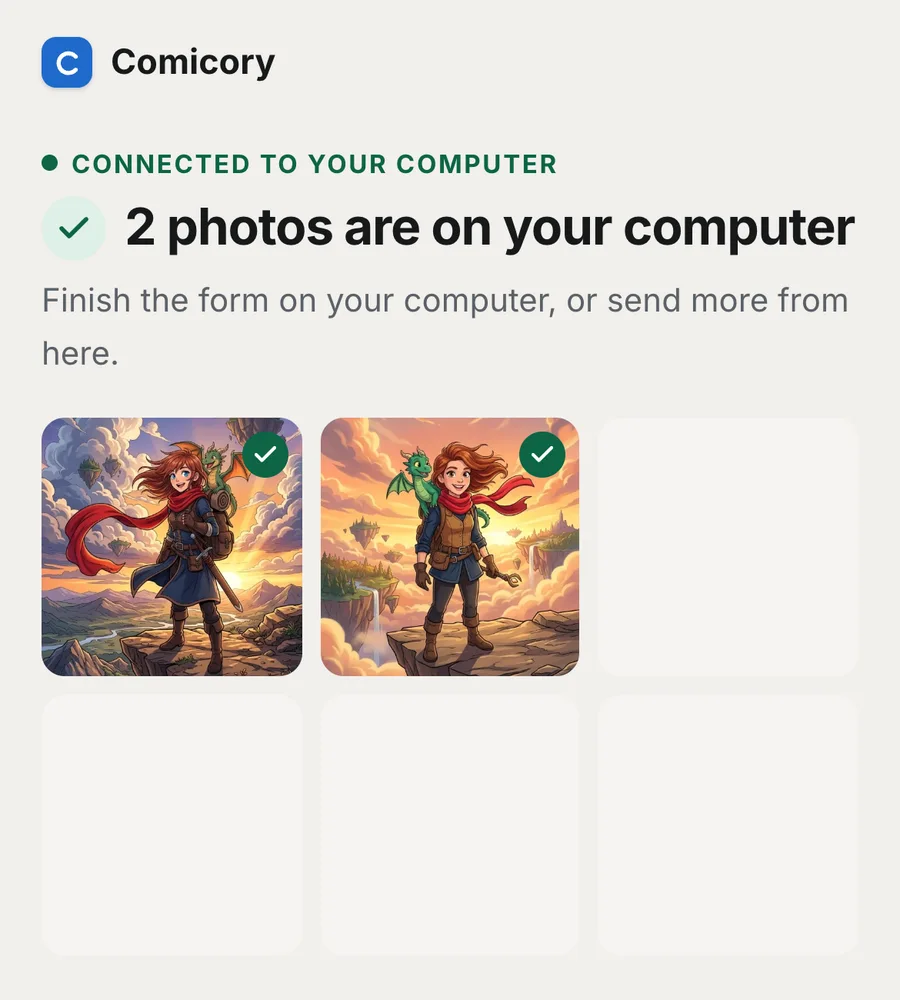
Working on a computer but the photos are on your phone? Scan a QR code, pick them from your camera roll, and they show up in the form on your computer a few seconds later.
Look for Upload from phone under the photo slots when you add a character, a look, a place or a prop, and next to the photos in your library. Your phone needs no app and no sign-in, and iPhone HEIC photos are converted for you.
The code works for 15 minutes and only fills the form that is open on your computer. Photos are checked when you save the form, the same as photos picked on the computer, and uploading costs no credits.